
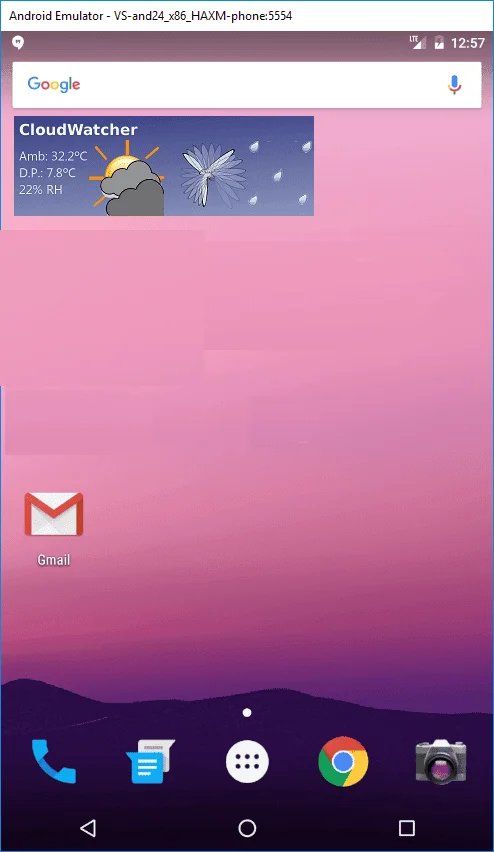
Key features of the Android widget
The widget is available for users of the SOLO—for the moment it is only available to SOLO users. It displays the CloudWatcher's readings on any Android smartphone, and it uses our «ZeroConf» system, so no network knowledge is required.
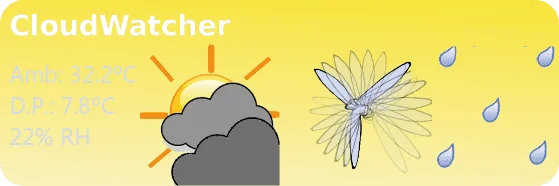
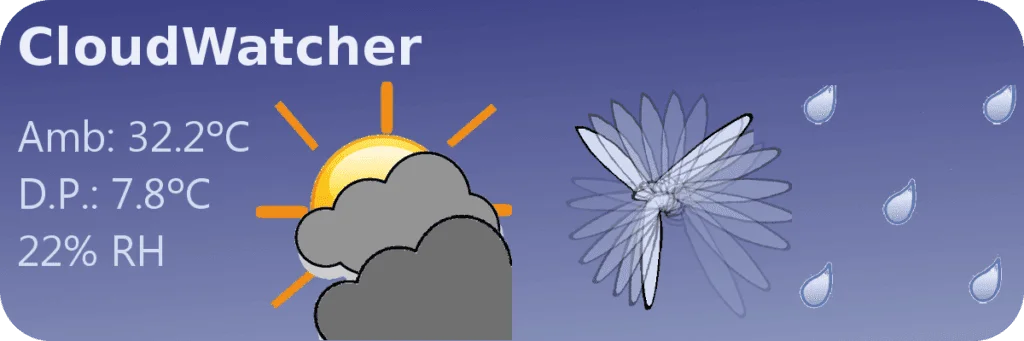
Download: get the app from lunaticoastro.com/dev/CWW.apk, or from the CloudWatcher downloads page. You'll have to give your phone permission to install from external sources—for the moment it is not in the PlayStore.
Easy integration with CW SOLO
Once installed, add it as any widget to your screen. It will ask for the email account you want to use—it must match the account you'll type into the SOLO configuration, see below.
- A modern version of the SOLO software is required—update yours if it is at an older version.
- For the moment this is only available to SOLO users.
Once the SOLO is current, go to configuration, system (gear icon), and in the «ZeroConf» field type that email address, and click update.
Real-time weather monitoring
You'll see the info updated in your smartphone after a few minutes. That's it! From now on, your SOLO will be sending weather information to our server every 2 minutes, and your Android phone will be able to read it from anywhere.
Keep in mind that if the data becomes old the widget will reflect that, meaning the data on your phone is always valid—a few minutes old at most.