
Connecting the cable
- With the controller unpowered, plug the cable into the Armadillo's EXP port and into your fan or dew heater band.
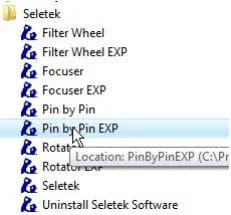
- Launch the Pin by Pin EXP utility from the Seletek Start Menu folder.
- In the configuration window, label Pin 2 as either "Scope fan" or "Dew Heather," to avoid mistakes later, and confirm.
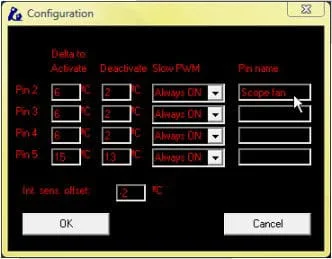
Scope fan control
Once configured, toggle the fan ON and OFF directly from the Pin by Pin interface—handy for turning it off before imaging, from your office or home, without walking out to the telescope.
Dew heater bands
The same cable and pin can instead drive a dew heater band—including ZeroDew bands—with Pin by Pin giving you granular control over the output power on that pin.
Power rating: do not exceed 1A continuous output power, and 2A peak (<1 sec). Exceeding these limits risks equipment damage.
Cable products
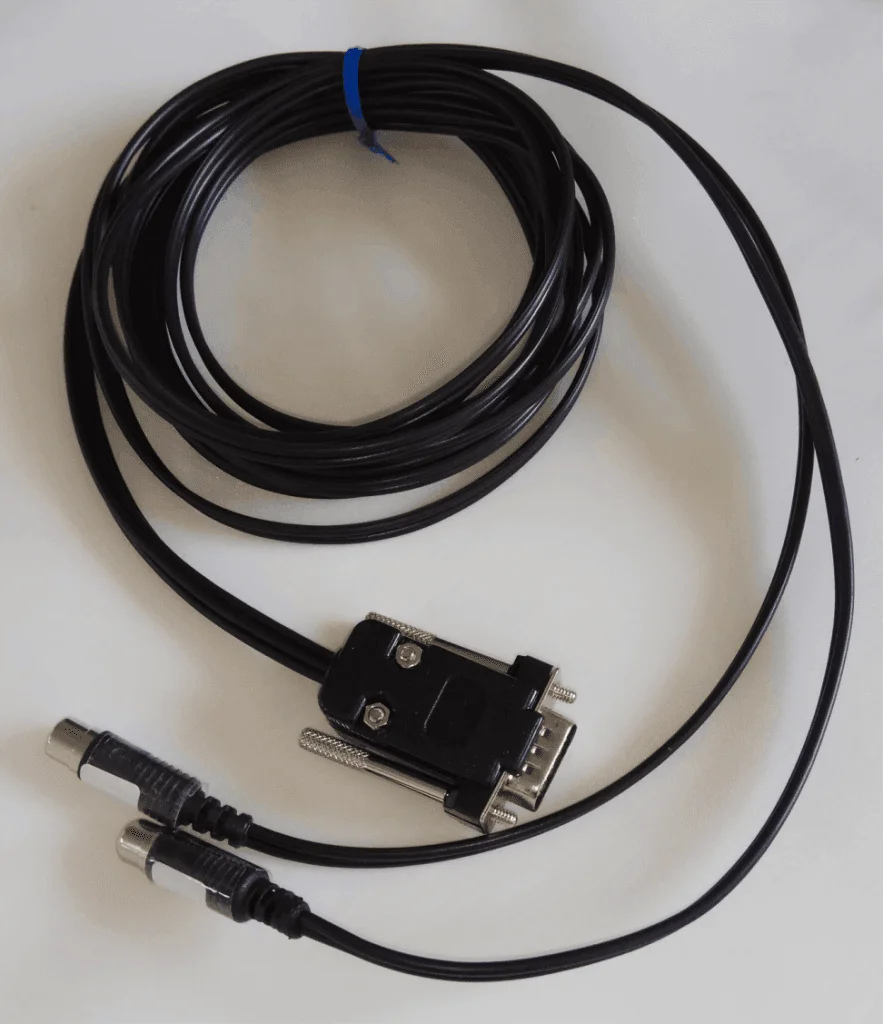
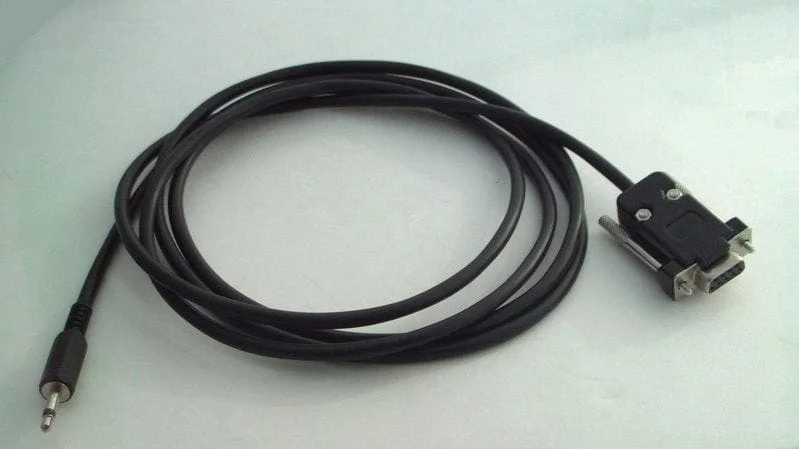
Both cables are available from the EU and worldwide (ROW) shops.