Documentation Solo CloudWatcher

How to Burn a New SD Card

If your Solo's SD card has failed, it is very easy to write it again — the same card or a new one.
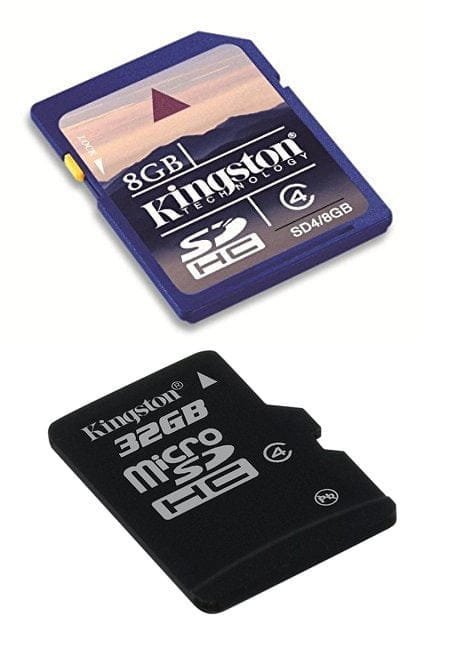
An 8 GB full-size SDHC card and a 32 GB microSDHC card
Any card of 8 GB or larger will do.

The SD card burning process uses the same procedure as a full Solo firmware upgrade to version 3.x. Please follow the complete guide on the upgrade page: it covers downloading the correct image, choosing the right tool, and writing the card safely.

Go to the update guide

Once the card is written and the Solo has booted, updates to newer firmware versions will work as usual from the Solo web configuration page, clicking the Update button.

Solo user manual & documentation → Solo software & firmware downloads →