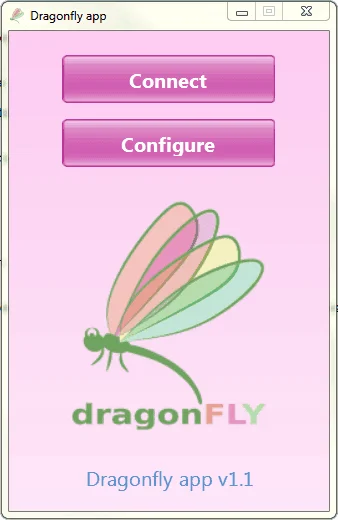
Main interface

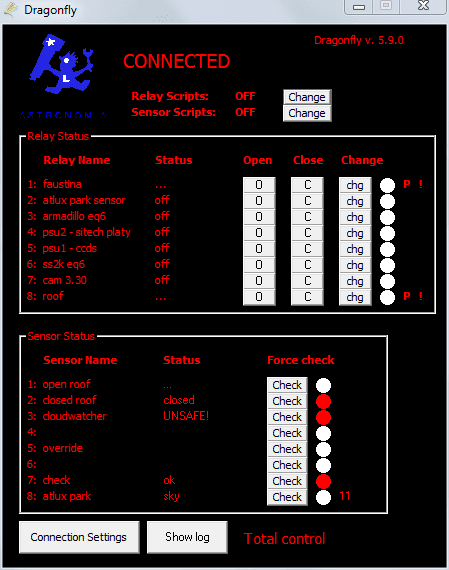
The DragonFly main window shows all eight relays and eight sensor inputs at a glance. Each relay has a toggle and a manual override; each sensor shows a live 0–1023 reading with a configurable label.

DragonFly main interface — desktop view 1 DragonFly main interface — desktop view 2

Web interface

The DragonFly also serves a built-in web interface accessible from any browser on your local network at http://dragonfly. It provides the same relay and sensor controls without needing the Windows application installed.

DragonFly web home screen

Relay panel and roof control

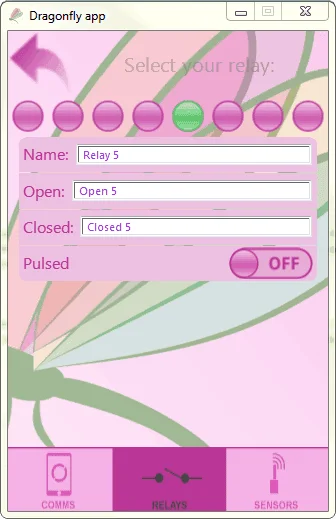
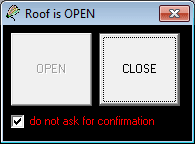
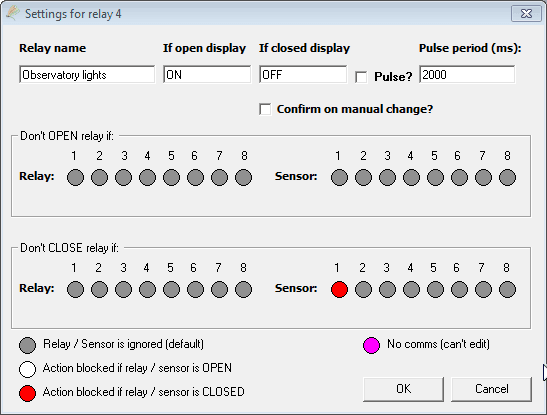
The relay panel view shows each of the eight relays in a grid, with their assigned names, current state and timing controls. The roof control window provides a dedicated interface for open/close operations with safety interlocks.

DragonFly relay panel view DragonFly roof control window

Sensor linearity calibration

The linearity calibration screen lets you apply a correction curve to any sensor channel. Raw ADC values (0–1023) can be mapped to engineering units using a multi-point curve, which is useful for light sensors or temperature probes with a non-linear response.

DragonFly sensor linearity calibration

ASCOM Profile Explorer

The ASCOM Profile Explorer (available under Tools in the DragonFly software) shows all registered ASCOM drivers on your system. Use it to find the correct ProgID for your telescope driver when writing parking scripts.

ASCOM Profile Explorer showing telescope drivers