Sky quality monitor

Measure sky brightness in MPSAS
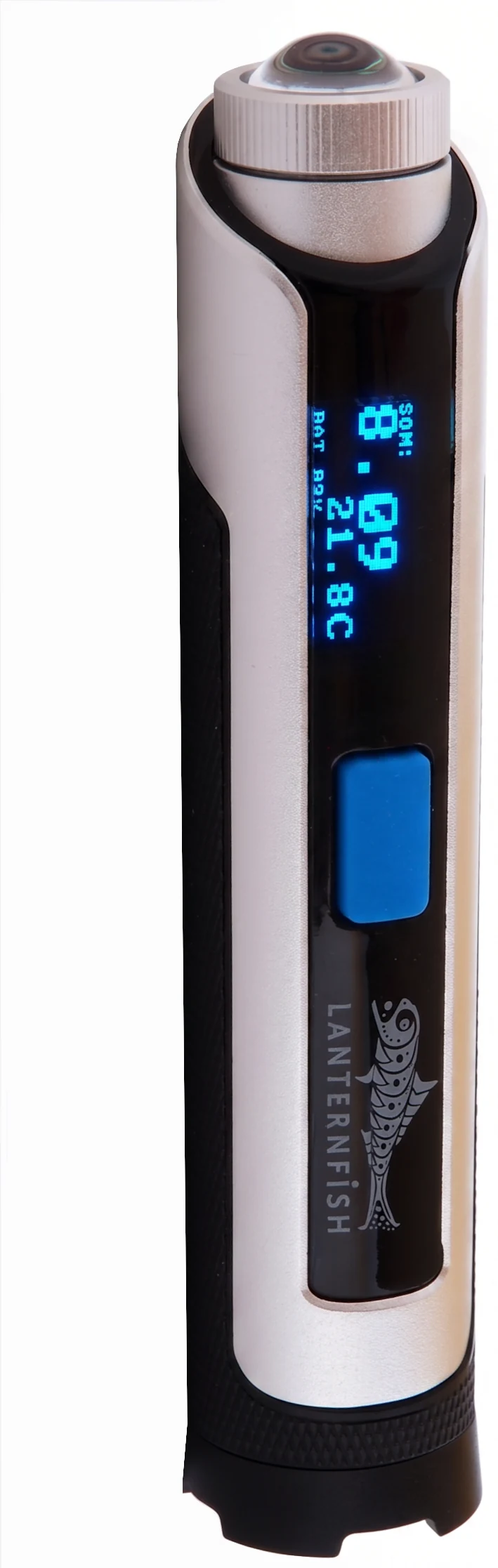
Standalone. Wi-Fi. No PC or app needed. Point it at the sky, take a measurement, or leave it overnight and retrieve a full night's data from any device in the morning.
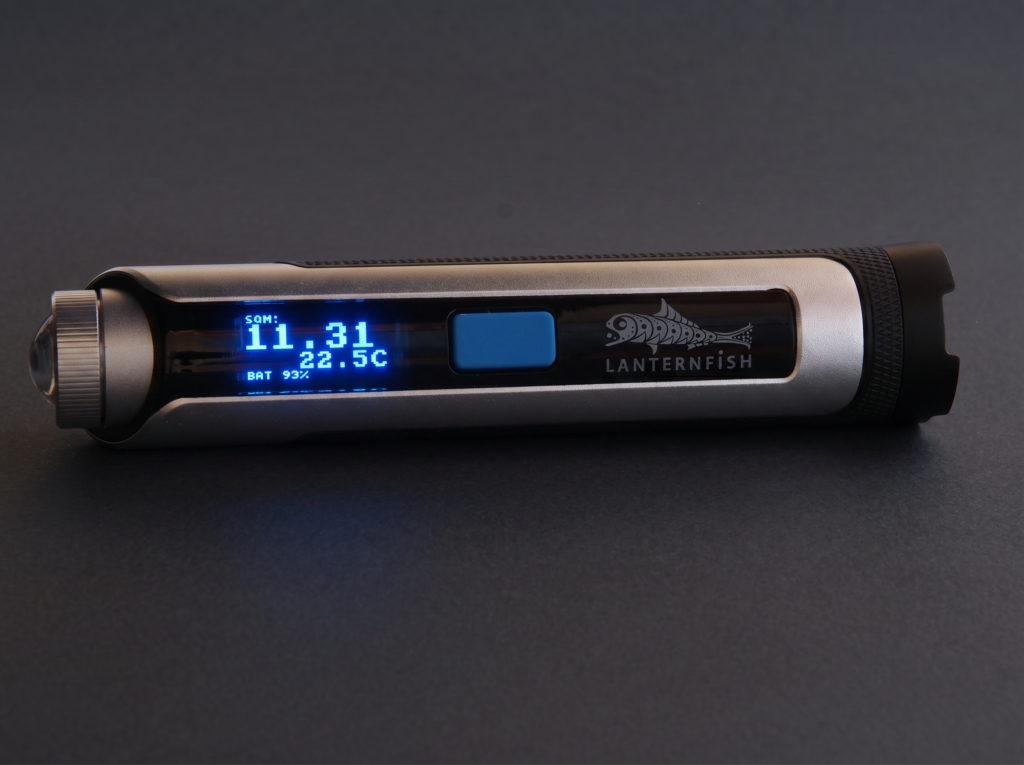
Unit
MPSAS
Magnitudes per square arcsecond—the standard for sky quality
Field of view
18°
Calibrated sensor with defined FWHM angular coverage
Battery life
Several nights
USB rechargeable—several nights of recording on one charge in periodic mode
Dimensions
135mm, 28mm ⌀
Compact torch form factor ~120 g
No separate datalogger, no dedicated software, no extra hardware. Lanternfish does it all independently.
Lanternfish creates its own Wi-Fi network. Connect any phone, tablet or laptop directly: no router, no infrastructure. Or configure it to join your existing network.
Records every measurement with date and time automatically. Night-by-night history with Max, Min and Average MPSAS—plus temperature—available for each session.
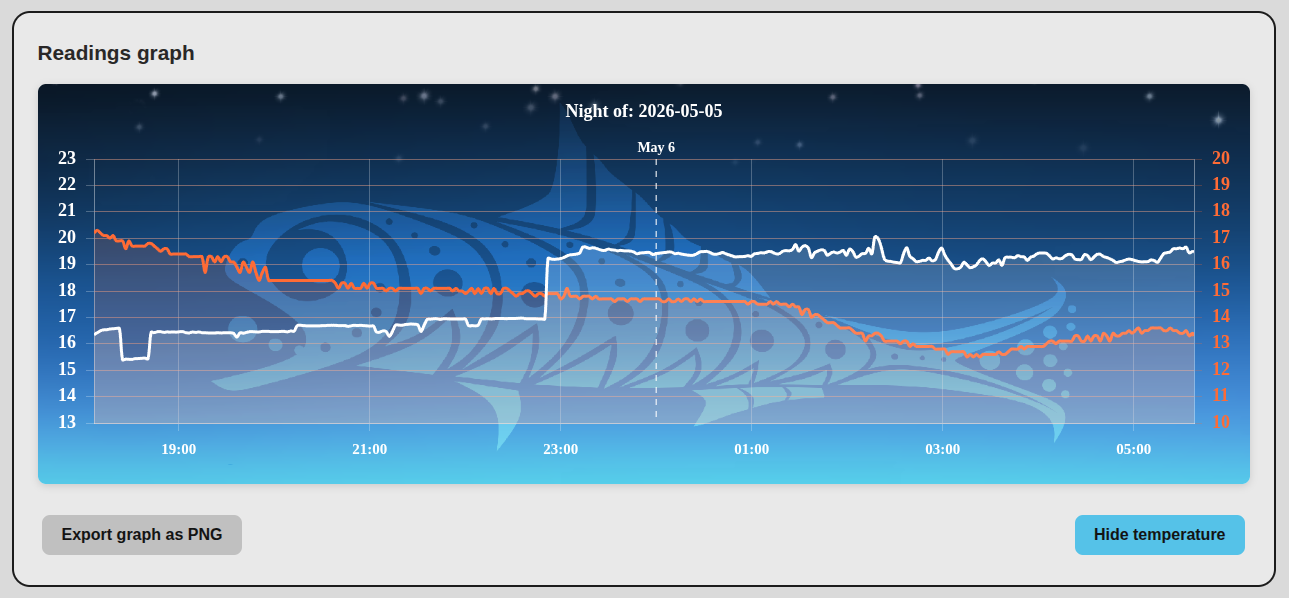
Plot any night as an interactive MPSAS graph overlaid with temperature. Export graphs as PNG directly from the interface. Beautiful, data-rich, and instantly readable.
Export any night's readings as a CSV file for analysis in your preferred tool: spreadsheets, Python, ... Full dataset including timestamp, MPSAS and temperature columns.
Update Lanternfish firmware over the air directly from the web interface, with no cables or flashing tools needed.
Access live readings and history via JSON to integrate Lanternfish data into your observatory automation software, dashboards or custom scripts.
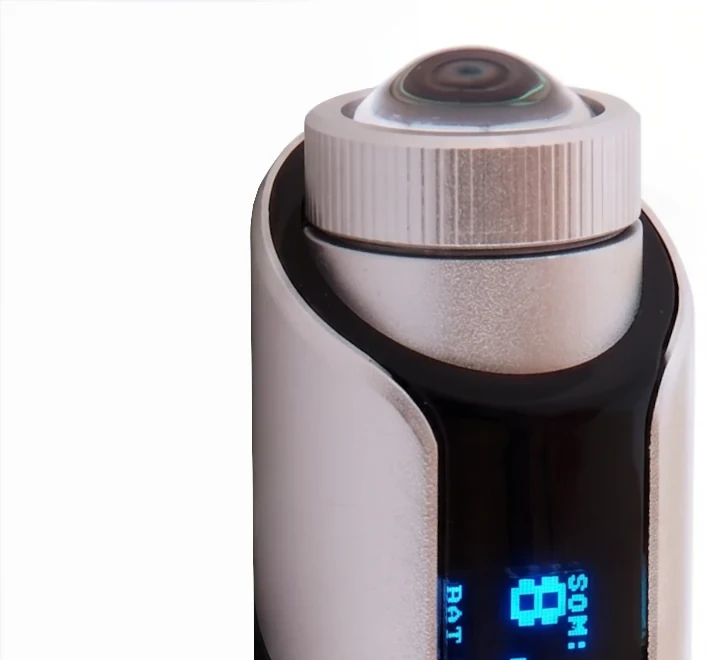
Lanternfish reads the sky through the same custom dichroic UV/IR filter developed for the CloudWatcher and also fitted to the PocketCW2. Rejecting the light your camera cannot see is what makes a sky brightness figure comparable to what your camera actually records.
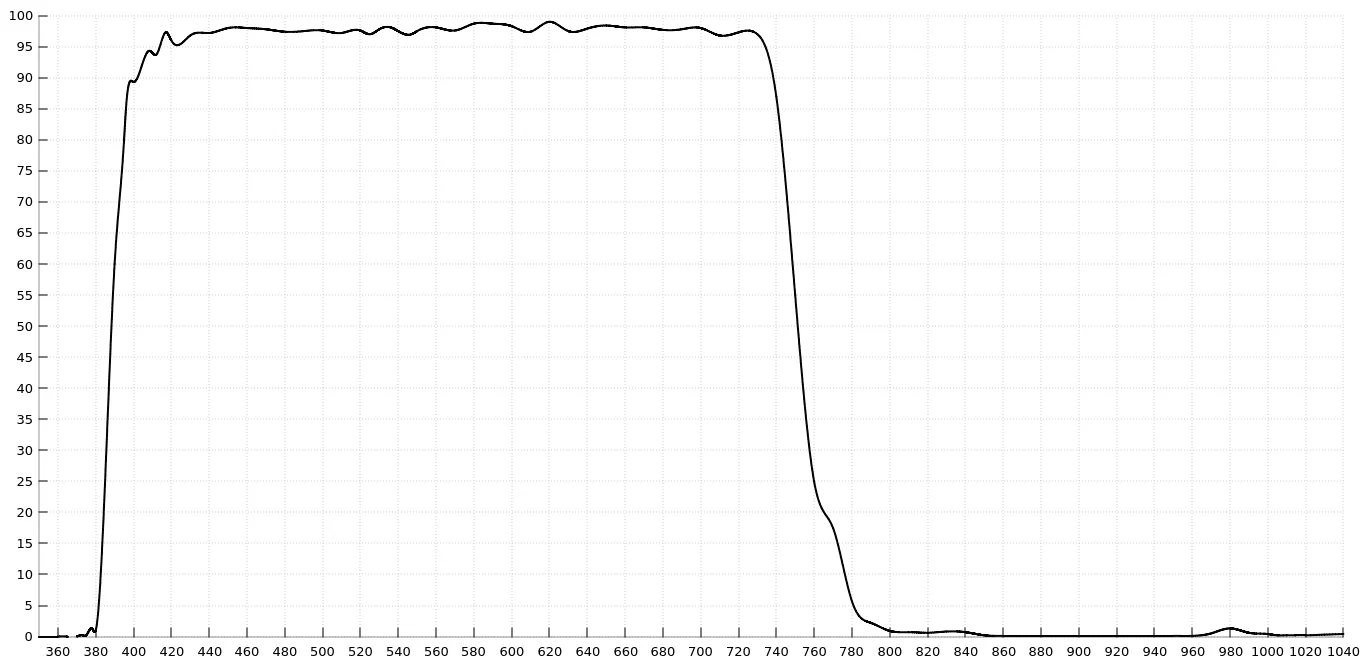
The curve passes around 97–98% of the light between roughly 400 and 730 nm — essentially the whole visible range — and both cutoffs are steep rather than gradual: transmission collapses below 380 nm on the ultraviolet side and above 740 nm on the infrared side, falling to just a few percent by 780 nm. Read the full account of the sensor and its filter.
Lanternfish plots MPSAS and temperature for the whole night on a single graph, with the Lanternfish artwork in the background. Export as PNG directly from the interface.
Use Lanternfish for a single instant measurement, or run it autonomously all night with configurable stop triggers so it powers down when you want it to.
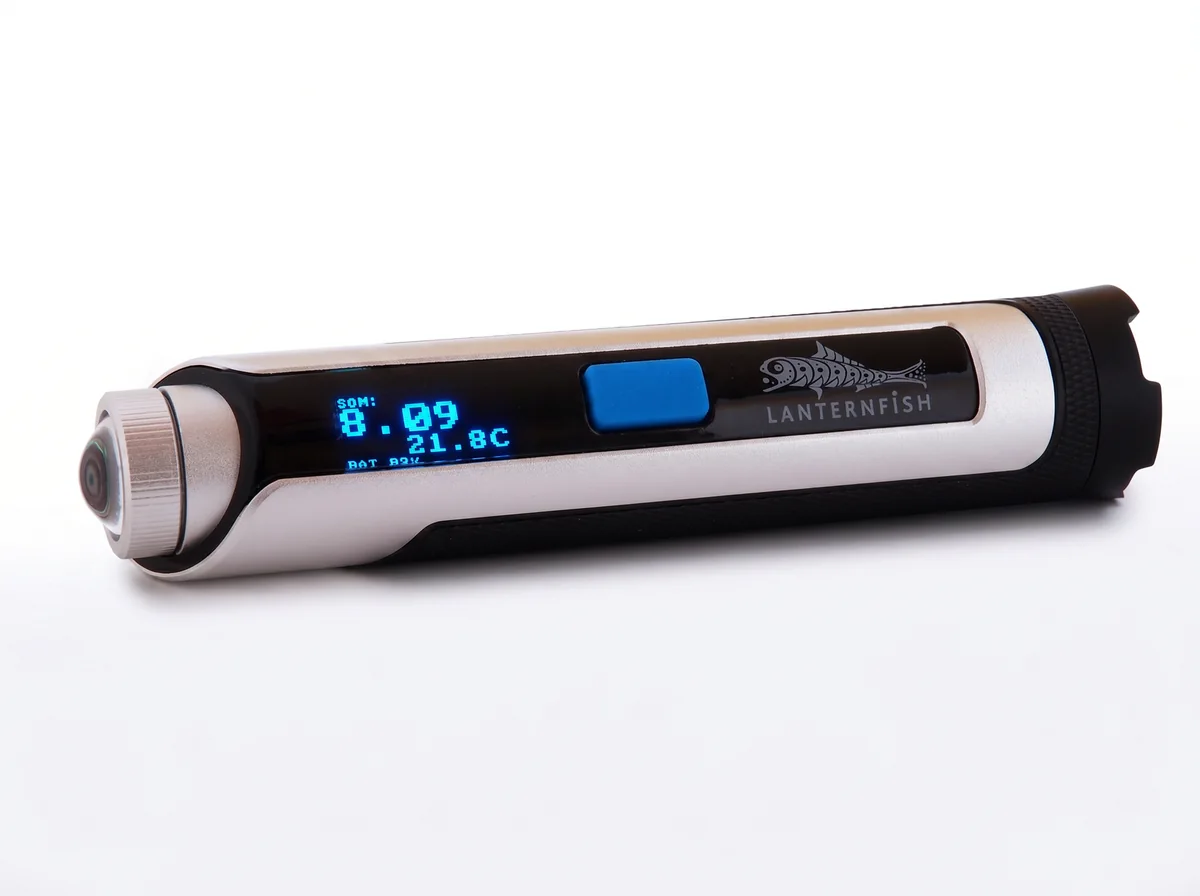
Point Lanternfish at the sky and get an immediate MPSAS reading via the OLED display or web interface. Configurable active time before the device powers down again.
Set an interval and let Lanternfish record all night autonomously. Stop triggers give you full control over when recording ends, without needing to retrieve the device.
Remote mode combines all the others. Reachable over the access point or your own network, it is how you get at the stored data and drive the device from a browser—ideal for a Lanternfish left in a remote observatory on permanent power.
A Lanternfish can be left plugged in and running all the time. Since firmware 1.0.2 you can tell it to come up straight in remote mode, so it returns on its own after a power cut.
A fourth mode, Configuration, is the settings side of the same web interface, reachable over the access point or a Wi-Fi network. Cycle the modes with short presses of the single button and select one with a long press.
The Lanternfish web interface runs directly on the device: open it in any browser. No app to install, no account to create, no cloud dependency.
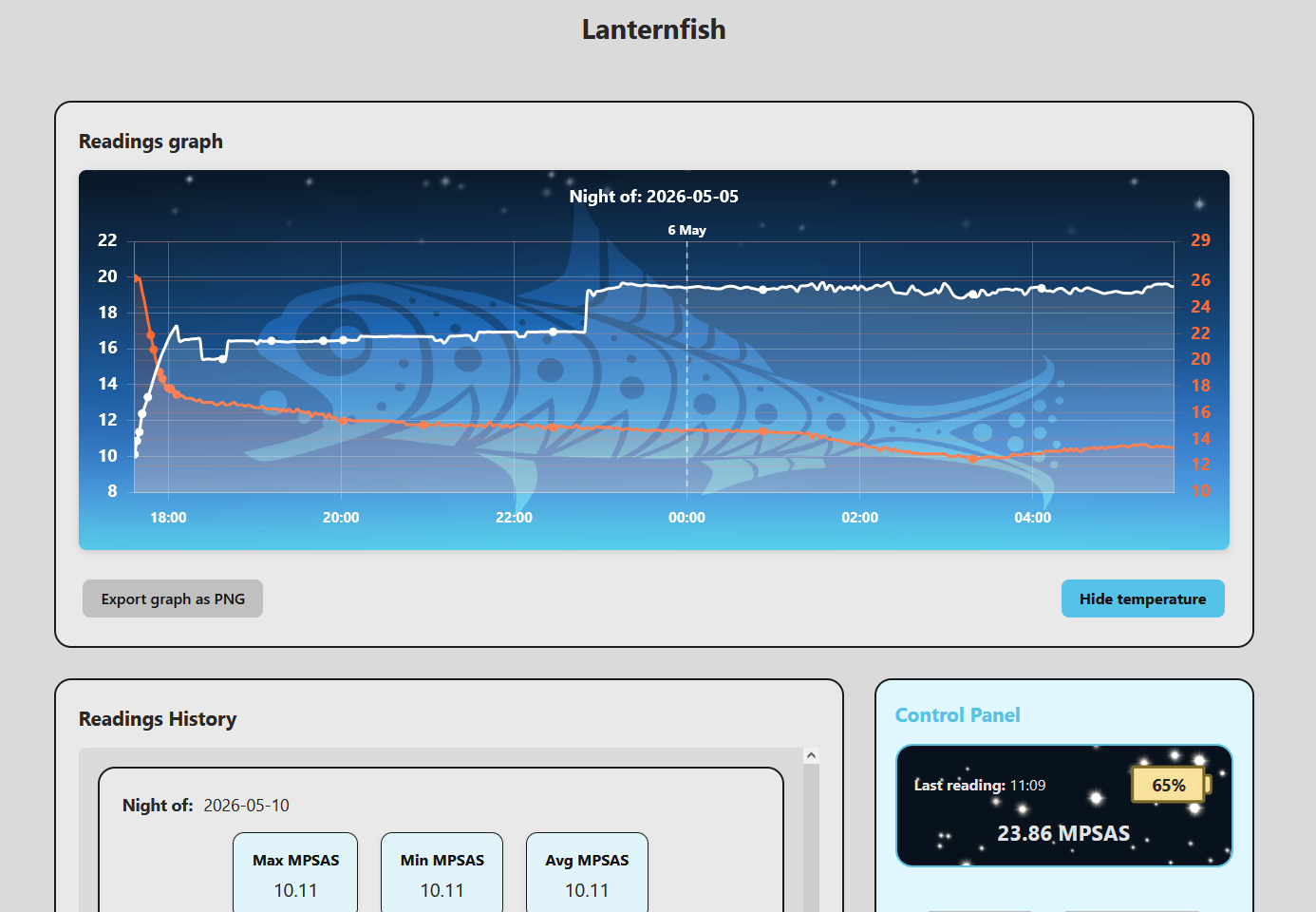
Home page overview—the readings graph with a full night plotted and buttons to export it as PNG or hide the temperature trace, the history of previous sessions below, and the live Control Panel showing the last MPSAS reading and battery level.
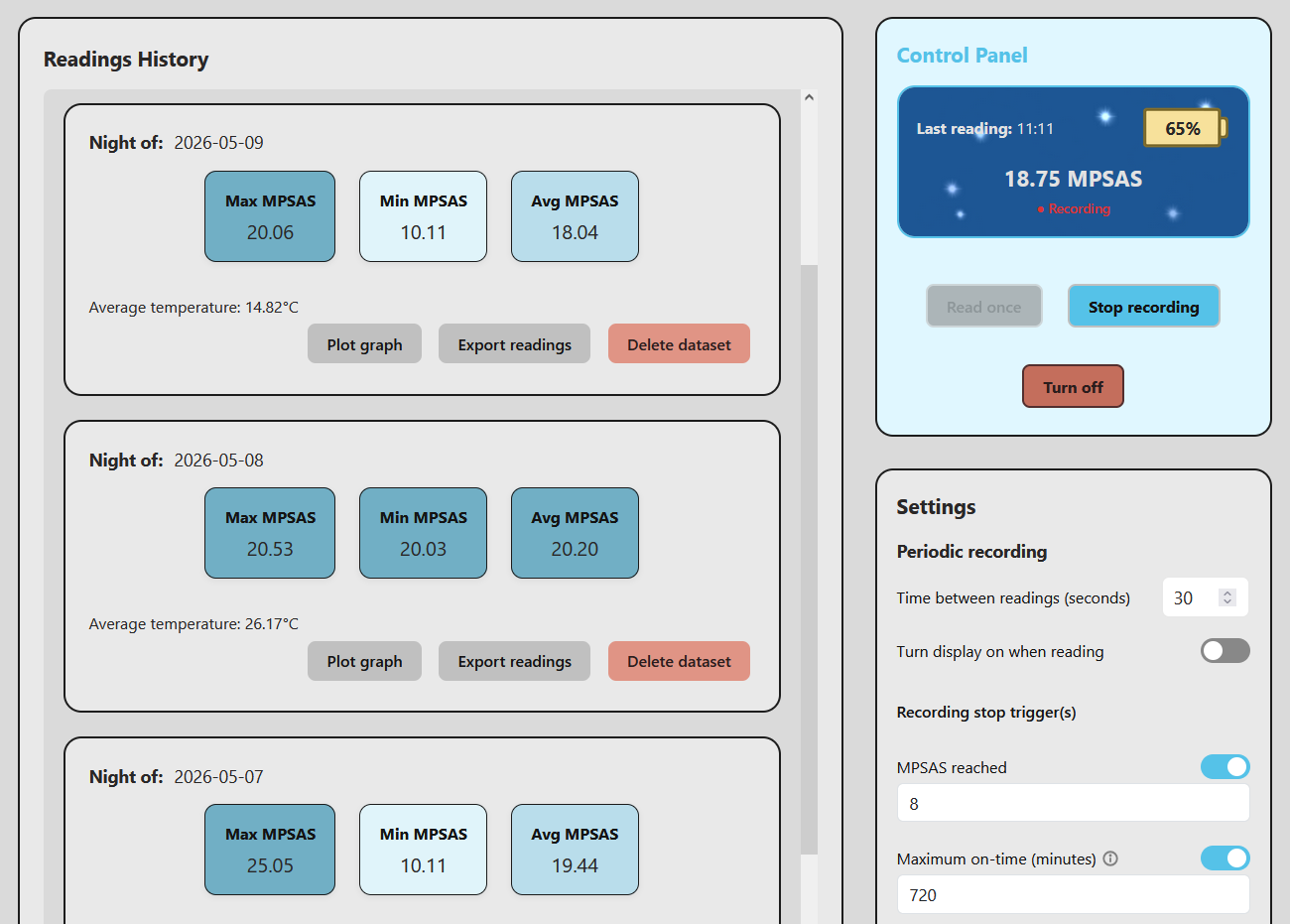
Readings History and live Control Panel—night-by-night summary with Max / Min / Avg MPSAS and temperature. The control panel shows the current reading and battery level at a glance.
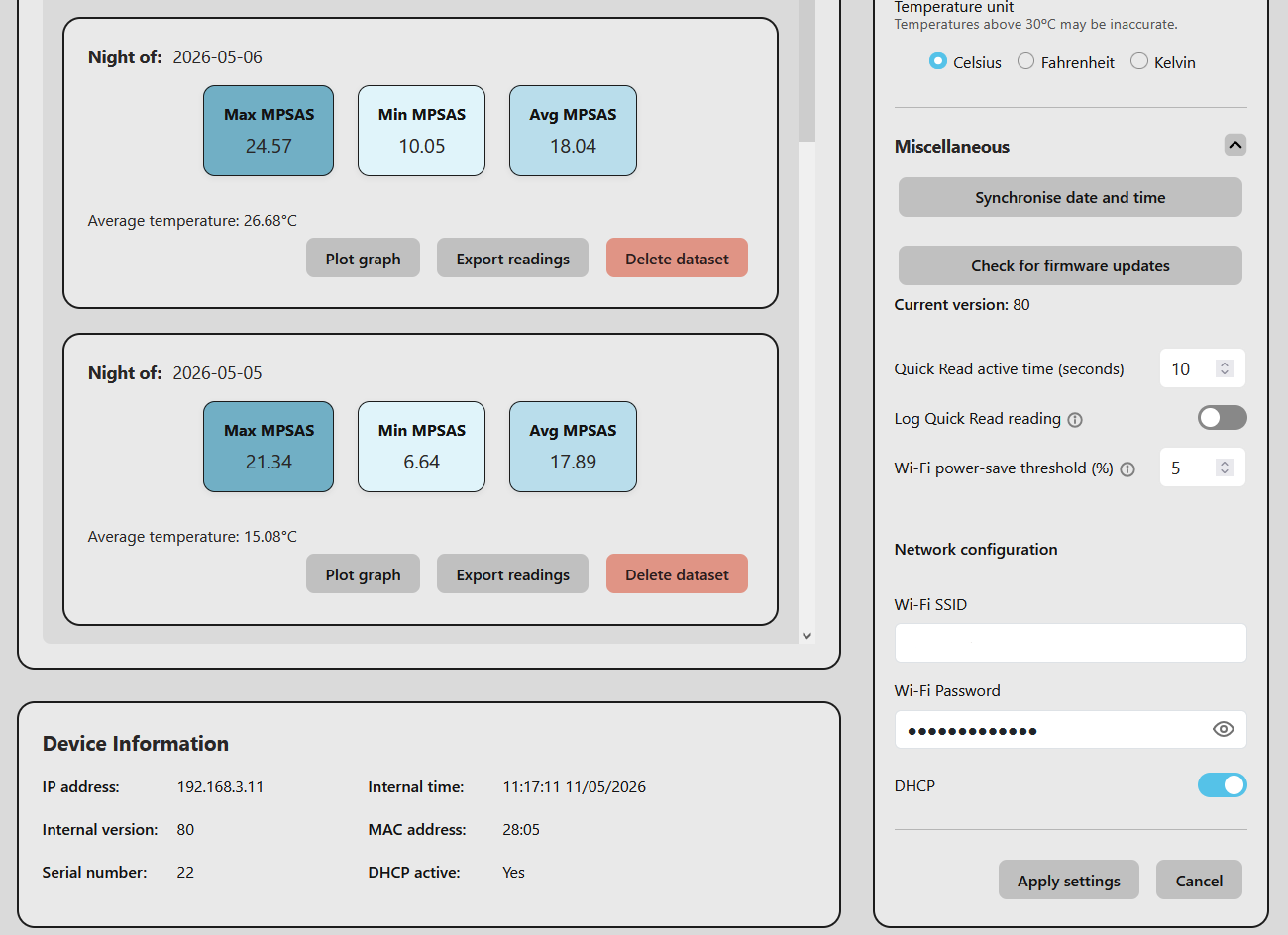
Settings panel—Wi-Fi network configuration, temperature unit, firmware version and OTA update. Device information including IP address, serial number and internal time.
| Measurement unit | MPSAS |
| Sensor type | Calibrated light sensor with spectral response |
| Field of view | 18° FHWM |
| Filter | Dichroic UV/IR |
| Display | OLED |
| Battery | USB rechargeable |
| Data storage | Internal—historical records by night |
| Timekeeping | Built-in real-time clock (RTC) with battery backup |
| Measurement interval | Configurable, in seconds (60 s default) |
| Wi-Fi | 2.4 GHz—standalone access point + station mode |
| Charging | USB-C, 5 V—charging only, no data |
| Interface | Integrated web interface—any browser |
| Data export | CSV, PNG graph export, JSON API |
| Firmware updates | OTA via web interface |
| Dimensions | ~135 × 28dia mm |
| Weight | ~120 g |
| Operating temperature | 0 °C to +40 °C (storage −10 °C to +50 °C) |
Select CONFIG from the menu, connect to the Lanternfish's own access point—it is named Lanternfish_X, where X is the unit's serial number, and needs no password—then open http://192.168.4.1 in any browser. The screen also shows a QR code you can scan instead.
Alternatively, enable Wi-Fi STA and enter your network details to have the Lanternfish join your own 2.4 GHz network. You can disable DHCP and set a fixed IP address from the settings, which makes it easy to bookmark or pin to a phone home screen.
Readings and history are also available in JSON for integration with your own scripts and dashboards.
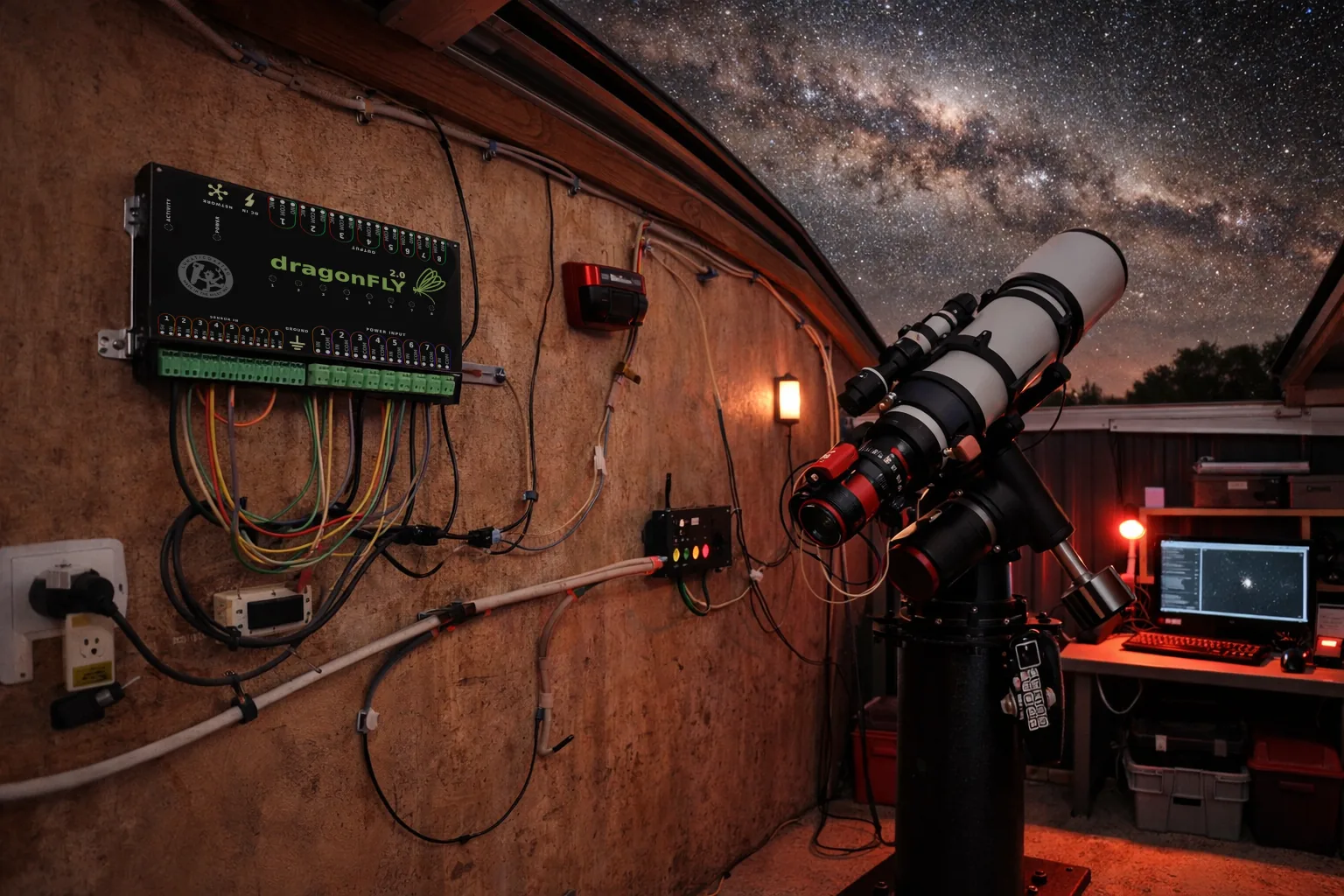
Build your own integrations with Lunaticoastro devices. Every command travels over plain HTTP, USB or UDP—one protocol shared across the whole range, so what you learn on one device works on the next.
Explore SLP391 commands · 12 devices · try one from your browser
Free update, delivered over the air from the device's own web interface. See how to update.
What's new in 1.0.2:
