The Lunatico device to remotely control your roll-off roof observatory
Easy to use and with powerful features. Control 8 relays, monitor 8 sensors, integrate with CloudWatcher, automate with macros, and manage it all from your smartphone, from anywhere.
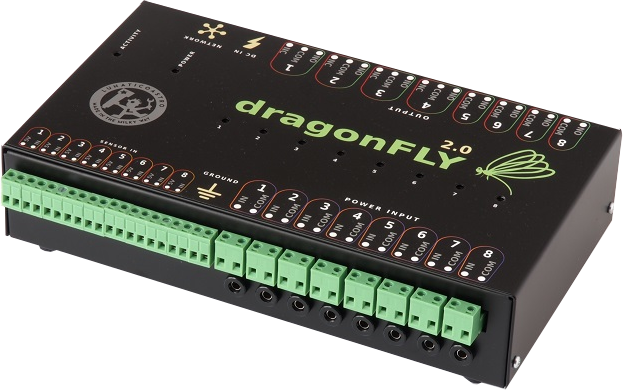

Everything you need to run a remote observatory, in one device.
Switch on and off lights and equipment
Open and close the observatory roof with customisable logic and safety checks
Control 8 relays—4 double NO/NC and 4 NO—to switch DC or AC loads
Monitor the CloudWatcher and act automatically on safe or unsafe weather conditions
Monitor mount position and roof status using magnet or mechanical sensors
Connect from anywhere via ZeroConf, with no router port-forwarding needed
Park 10Micron and iOptron CEM mounts—and other network-enabled mounts on request—directly from Dragonfly, via macros, with no PC running
Use ASCOM switch and dome interfaces with your automation software
Manage relays and sensors from an improved internal web server, with JavaScript hooks for your own web page integrations
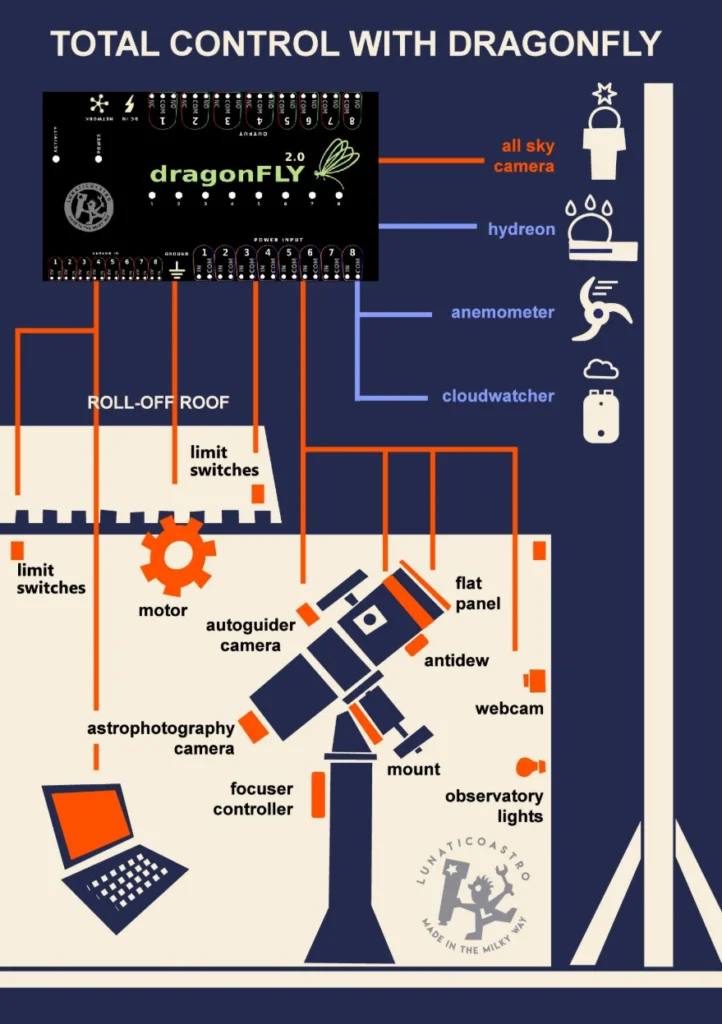
Dragonfly connects to every element of your remote observatory: roll-off roof, motor, limit switches, all-sky camera, CloudWatcher, antidew, flat panel, lights, cameras and more. Eight relays for control, eight sensor inputs for monitoring.
Click the diagram to see the full connection map.
Simple to set up, deep enough for the most demanding remote observatory.
Performs operations autonomously: sends push notifications, reboots the router when internet is lost, wakes computers on LAN, and more, without a PC running.
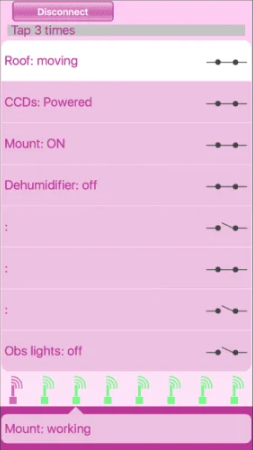
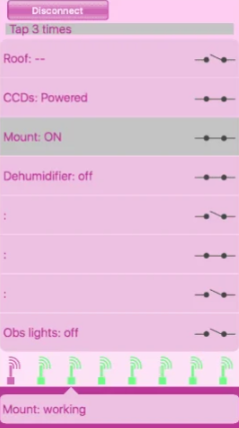
Free custom app for Android and iOS. Control your observatory from anywhere, at any time, with weather alerts if you also use the CloudWatcher SOLO.
ZeroConf network access: connect from home, from a café, over mobile data. No IT knowledge required, no ports to open on your router.
Roof open/close sequences are fully customisable. Trigger actions automatically when any sensor or relay changes state.
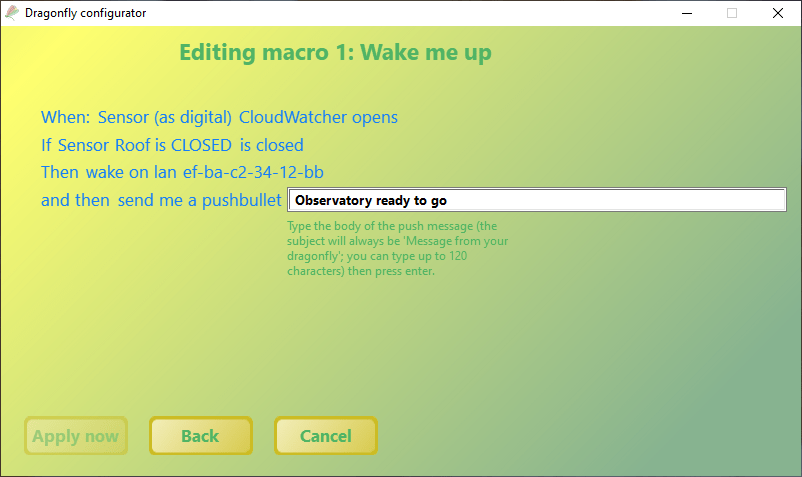
Macros let you park mounts, control humidity, chain complex automated sequences: well beyond a simple switch.
Three-level password protection and relay restrictions keep your equipment safe. Full ASCOM, INDIGO and INDIlib drivers included.
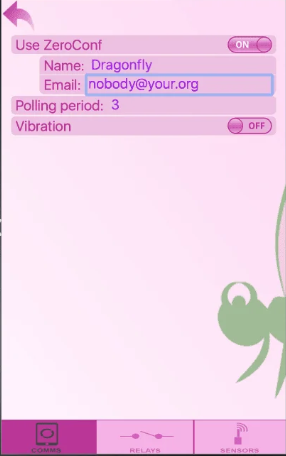
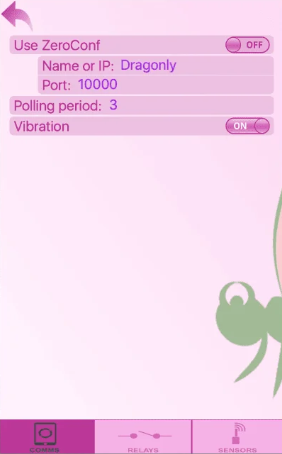
The Dragonfly app—with our ZeroConfiguration network system—makes it possible to access your Dragonfly from virtually anywhere: Wi-Fi, mobile data, or whatever network you are on. No ports to open at the router. Just use your email and Dragonfly name to set up your ZeroConf account and connect.
If you also use the CloudWatcher SOLO, you can receive push notifications about the weather directly on your phone and open or close the observatory on the fly.
A standard internet switch lets you toggle relays. The Dragonfly thinks, reacts, and protects your equipment on its own.
| Feature | Dragonfly | Internet Switch |
|---|---|---|
| Actions on relay changes | ✓ | — |
| Actions on sensor changes | ✓ | — |
| Password security | 3 levels | Basic |
| Relay control | ✓ | ✓ |
| Relay safety restrictions | ✓ | — |
| Sensor display | ✓ | ✓ |
| Smart / autonomous operation | ✓ | — |
| Versatility | Total | Very low |
| ZeroConf network access | ✓ | — |
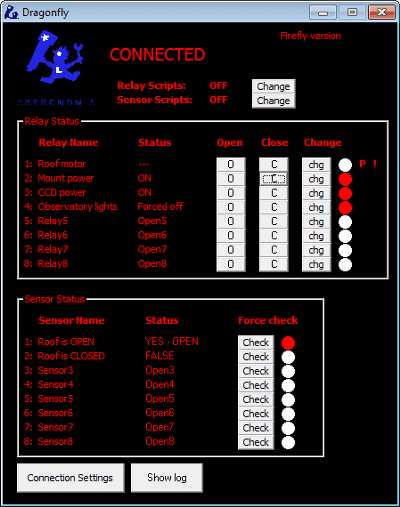
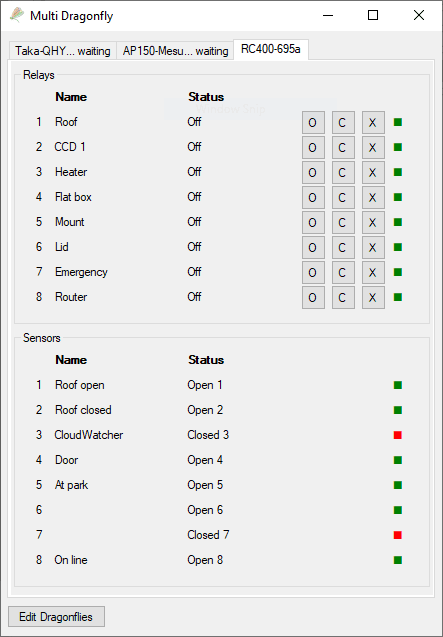
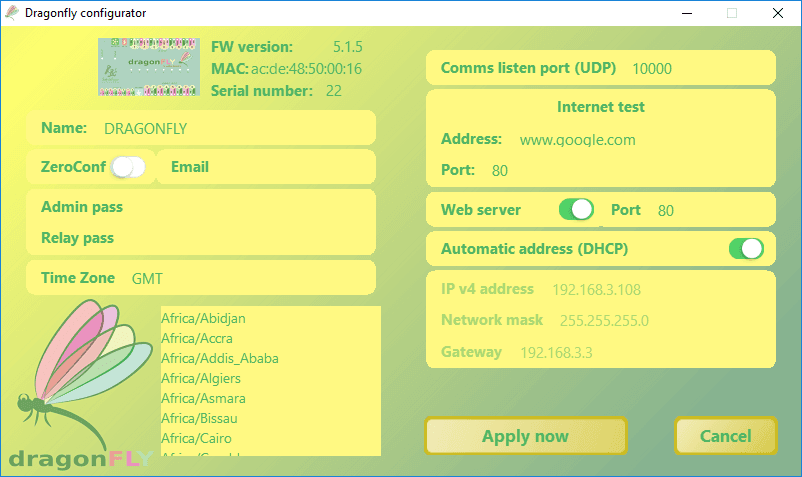
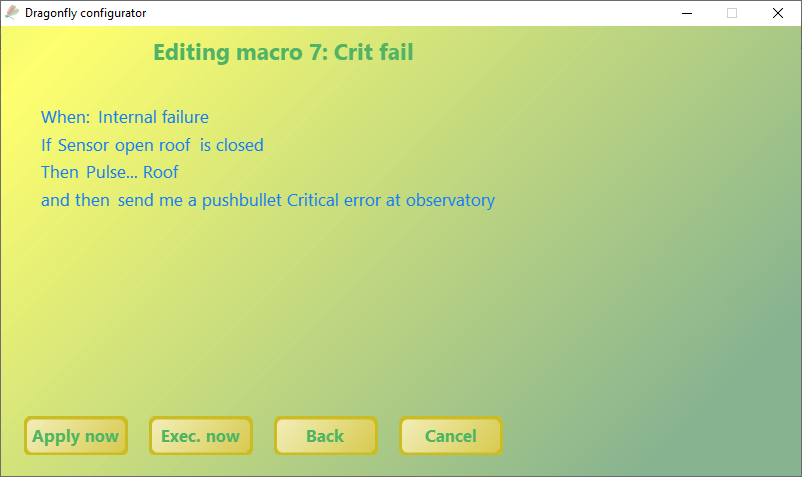
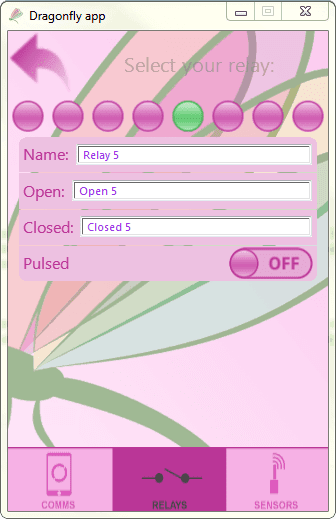
Desktop & web interface
Free smartphone app
| Relays | 8 (4 × double NO/NC + 4 × NO) |
| Input sensors | 8 (magnet, contact, etc.) |
| Connectivity | Ethernet (direct network connection) |
| Power supply | 12V DC (up to 24V), <1A, 5.5/2.1mm jack (center positive) |
| Dimensions | 145 × 60 × 245 mm |
| Mounting | DIN rail compatible (optional) |
| Network access | ZeroConf (no port-forwarding needed) |
| Scripting | Windows scripting for automation sequences |
| Macros | User defined macros for safety operations |
| ASCOM drivers | Roof/dome + switch interfaces |
| Other drivers | INDIGO, INDIlib |
| Smartphone app | Android (Google Play) + iOS (App Store) |
Protected against electrical noise. Relay load rated for DC and AC switching. Firmware updatable by the user.
If your mount accepts network commands—10Micron and CEM120 mounts in particular, and other network-enabled mounts on request—a Dragonfly macro can connect to it over your local network and send the park command, all from the Dragonfly's own processor.
This means your weather-triggered close sequence can look like this: weather unsafe → Dragonfly parks mount → Dragonfly closes roof. No PC, no automation software, nothing else running. As long as Dragonfly has power and network access to the mount, it handles it.
How it works—parking 10Micron mounts →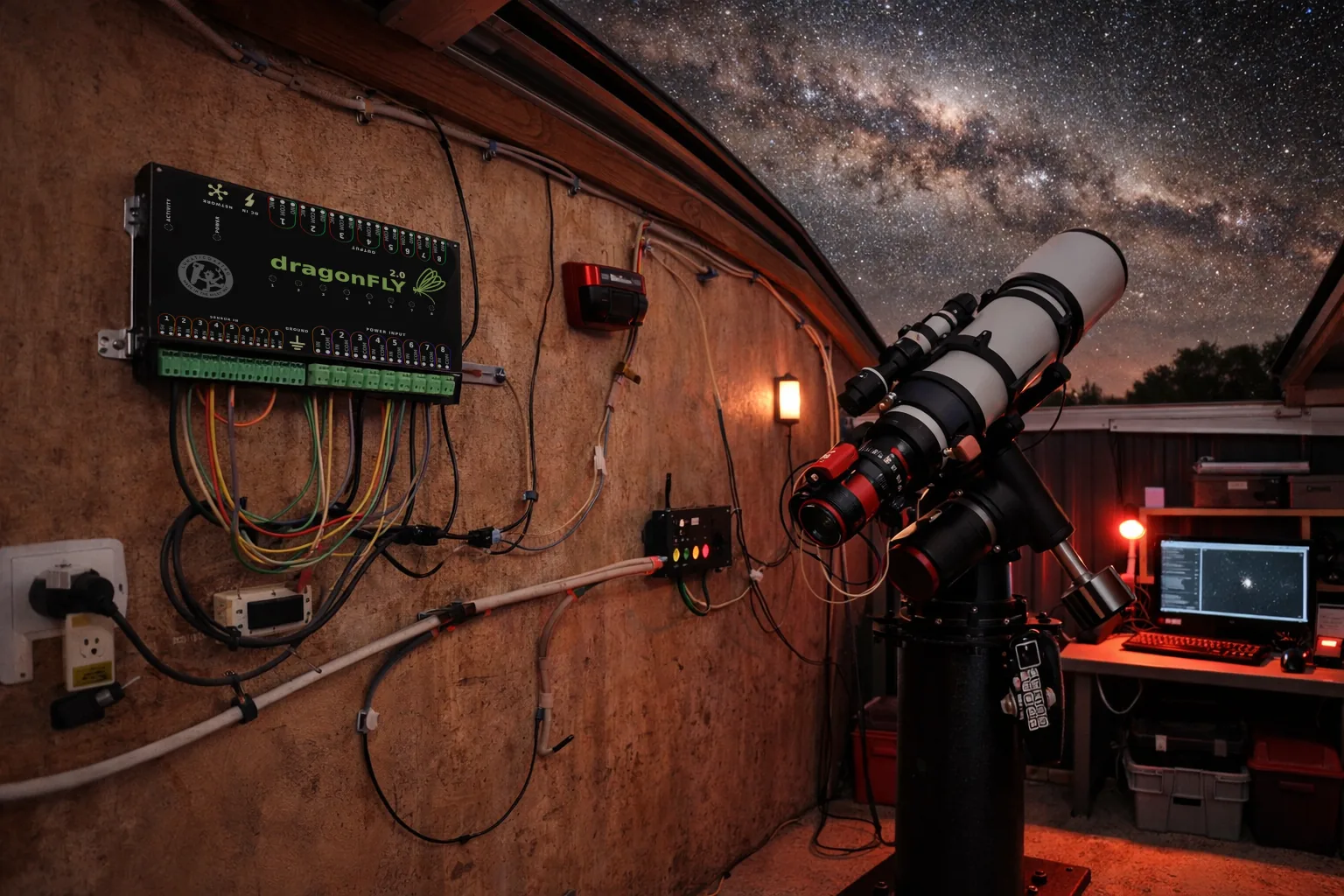
Build your own integrations with Lunaticoastro devices. Every command travels over plain HTTP, USB or UDP—one protocol shared across the whole range, so what you learn on one device works on the next.
Explore SLP391 commands · 12 devices · try one from your browser