
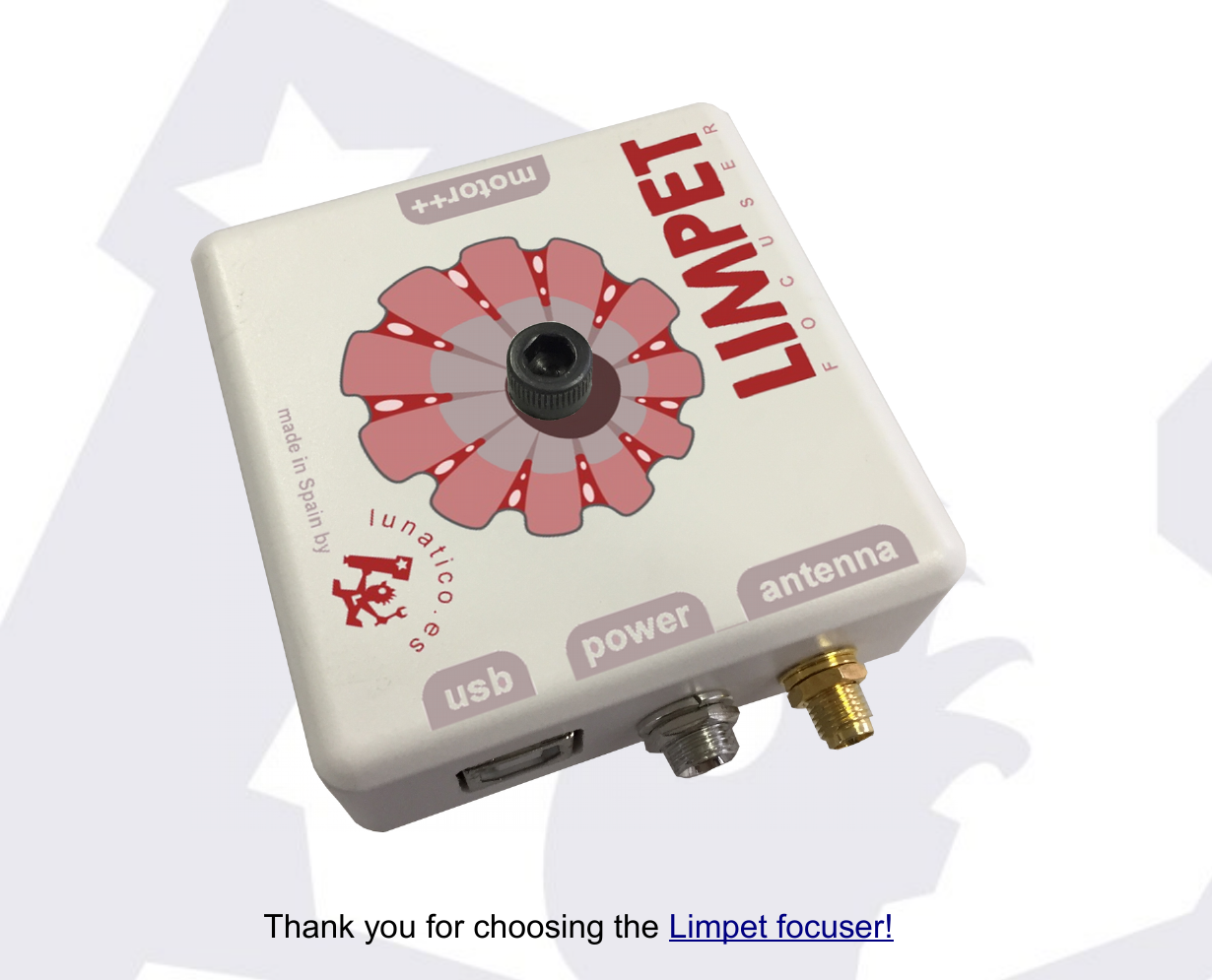
You can connect to the Limpet:
- Via Wi-Fi, using the internal access point of the Limpet.
- Via Wi-Fi, hooking the Limpet to your local access point.
- Via USB.
…and you can control it:
- Via ASCOM, with our software and (ASCOM) drivers.
- Via INDILib, same as above.
- From any web browser, using a convenient yet simple control interface.
Let's see one by one.
Connect your Limpet to your local Wi-Fi network
If you'll be using your Limpet via Wi-Fi, somewhere with an existing network, you'll most likely want to include the Limpet in that network. To do so:
- Power on your Limpet; it will set up an access point.
- Using your laptop or smartphone, connect to the access point "Limpet_XXX" (where XXX is the serial number of your Limpet).
- (If it takes more than 2 minutes for you to connect, the access point will be automatically shut down; please power off/on the Limpet again.)
- Launch your favourite web browser and connect to "limpet.com".1
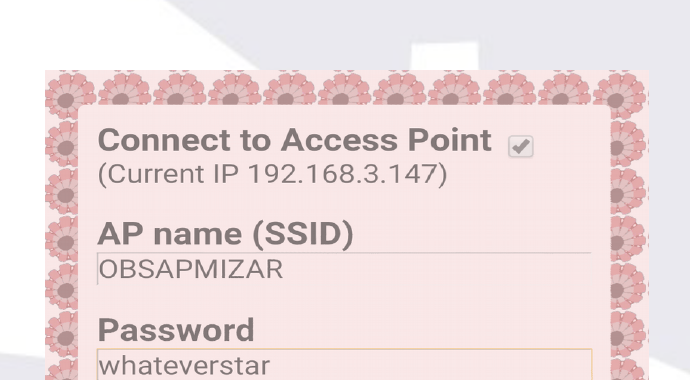
- Select "Config", type your access point details, and check "Connect to Access Point".
- Once validated (Apply), the Limpet will reboot and try to connect to your Wi-Fi.
- You can access this configuration window using these same steps in the future, should you need to find out the IP address assigned to the Limpet by your network.

1 The name "limpet.com" will work as long as you're connected to the internal access point LIMPET_XXX. In some cases you may need to shut down your data connection, if limpet.com is not found.
Control the Limpet using a web browser, via Wi-Fi, using the Limpet's access point
- Power on your Limpet; it will set up a Wi-Fi access point.
- Using your laptop or smartphone, connect to the access point "Limpet_XXX" (where XXX is the serial number of your Limpet).
- (If it takes more than 2 minutes for you to connect, the access point will be automatically shut down; please power off/on the Limpet again.)
- Launch your favourite web browser and connect to "limpet.com".
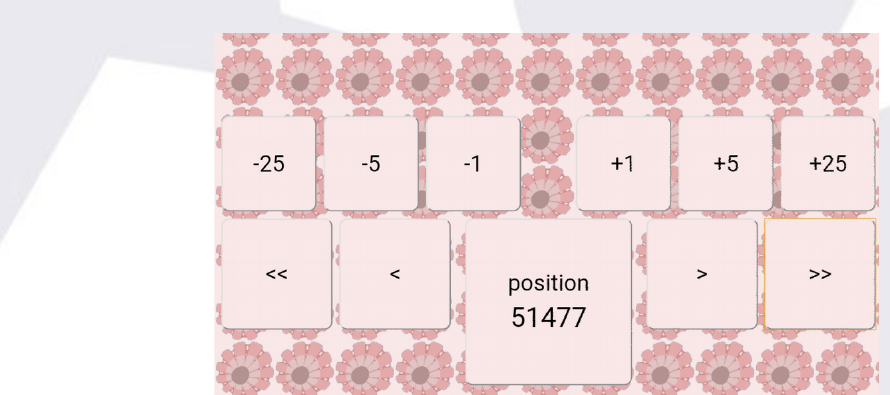
- Select "Control"—and move the focuser.
- After 1 minute of inactivity the page will return to home. Just click "Control" again should you need it.
Control the Limpet using a web browser, Wi-Fi, using your local access point (not Limpet's internal one)
Beforehand you'll have had to configure this connection, as explained above.
From Windows
Launch your favourite web browser and in the address bar type: http://limpet

From Linux, OSX or a smartphone
You need to find out the Limpet's IP address first. You can do so either by checking your router's DHCP leases, or you can access the configuration page again (same method as when you configured it initially) and you'll see the address displayed there (as "Current IP").
Once you have the IP, and connected to your network, type it into your web browser (e.g. http://192.168.3.147, replacing with the actual address!).

Now you can access the control page and move the motor.
Windows PC via USB
- Download and install the drivers for your Windows version from SiLabs.
- Connect the Limpet to the PC, power it up.
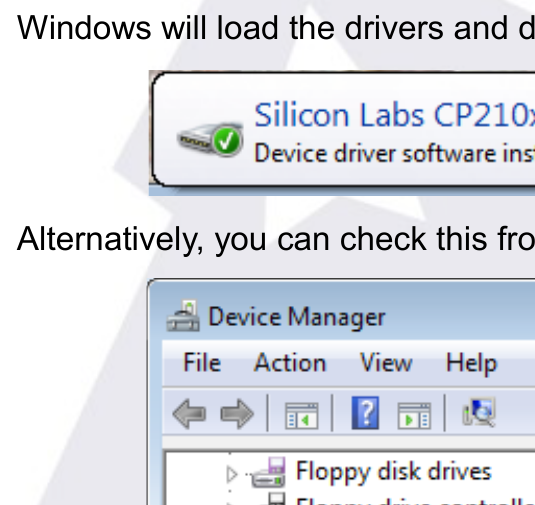
- Windows will load the drivers and display a message with the COM port assigned.

Alternatively, you can check this from the device manager.
Install the Seletek software, run it, click "Configuration", and choose the COM port; you'll have to close and reopen it for this to take effect.
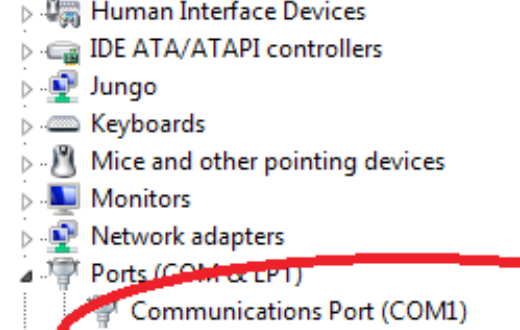
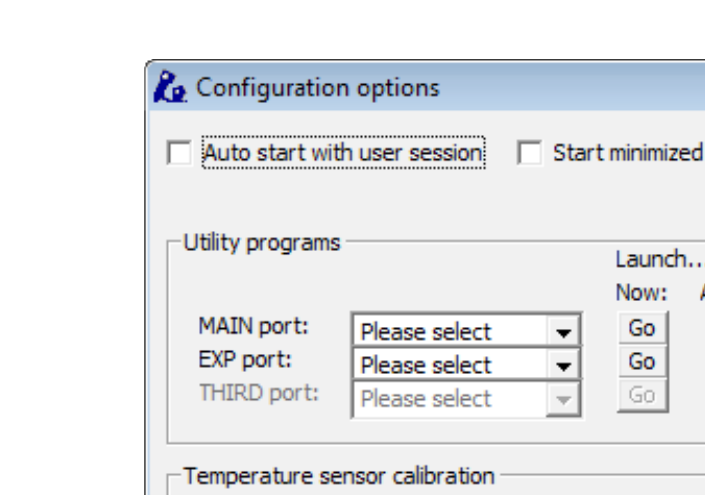
Run the "Focuser" program from the start menu.
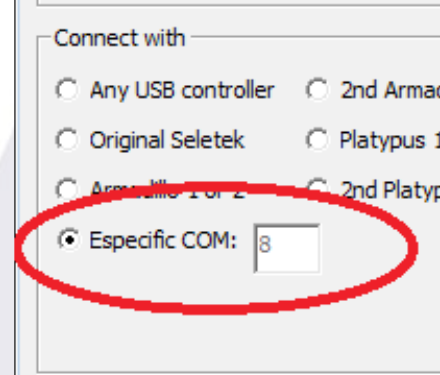
You're ready to go, using our focuser program or via ASCOM.
Windows PC via network
- Check how to connect your Limpet to your network, or connect directly to the internal access point.
- No drivers needed.
- Install the Seletek software, run it, go to configuration, and choose network, name "Limpet"; you'll have to close and reopen it for this to take effect.
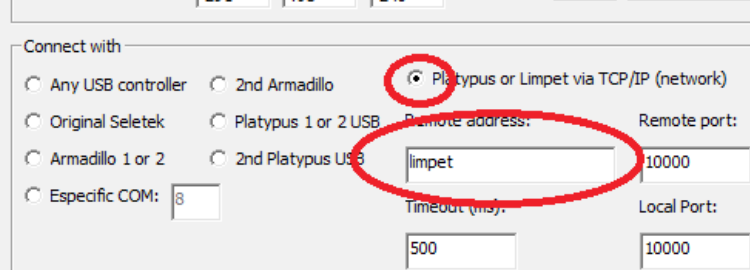
Run the "Focuser" program from the start menu. You're ready to go, using our focuser program or via ASCOM.
Linux INDILib via USB or network
- The USB drivers are already installed in your Linux system.
- If connecting via network, you have to find out the IP address of your Limpet; please proceed as explained above to configure it—instead of changing the configuration, just check the "Current IP" address displayed. This is the address assigned to the Limpet by your network.
- Recent INDILib distributions also include the Seletek Armadillo / Platypus drivers—you can use any of them to connect your Limpet, just make sure of using the Main port.
- Ignore any messages about name mismatch; the driver will work perfectly.
Some final notes
- If any web page looks wrong, just reload it.
- If the buttons or the text look small, try changing from portrait to landscape, or vice versa.
- The control page will time out, and return to the main page, after 1 minute of inactivity. If you want to keep the page active but don't want to move the motor, just click (or touch) the "position" button.
- The buttons <, <<, >>, > on the control page will move the motor while being clicked/touched, faster if << >>, slower if < >.
- The buttons +25, +5… etc. will move the motor that number of steps.
- The control page has been designed to be more comfortable in landscape position, especially for smartphones.
- More information about the Windows software is available online.
Network names
Accessing your Limpet via network is unfortunately not uniform across devices and networks. We've made our best effort to simplify and explain it, but even so it can be confusing.
| If using… / from | Windows | Linux, OSX or smartphone |
|---|---|---|
| Limpet's internal A.P. | limpet.com | limpet.com |
| Your local Wi-Fi network, browser | http://limpet | http://192.168… (Limpet's IP address) |
| Your local Wi-Fi network, astronomy software | limpet | 192.168… (Limpet's IP address) |
Technical specifications
- Power: 12V dc (13.8V as supplied by some batteries and power supplies is OK).
- Power jack: threaded 5.5/2.1mm jack, centre positive.
- Temperature sensor: external, optional, sensor model LM61.
- Temperature measurement range: -25ºC to 40ºC (approx).
- Motors that can be driven directly by the Limpet:
- Unipolar, any motor with a phase resistance of 8 Ohm or more.
- Bipolar, many of them, same phase resistance restriction. Some exotic motors won't run smoothly.
- DC motor, simulating a stepper one, coil resistance of 8 Ohm or more.
- Motors that can be driven by the Limpet with some external hardware driver (step&dir or similar): any motor.
Limitations
The web control interface will, for the moment, only drive Lunático's stepper motor or very similar ones.