Solutions Guide

Automate Your Observatory

A simple guide to weather monitoring, roof automation and observatory protection with Lunaticoastro systems.
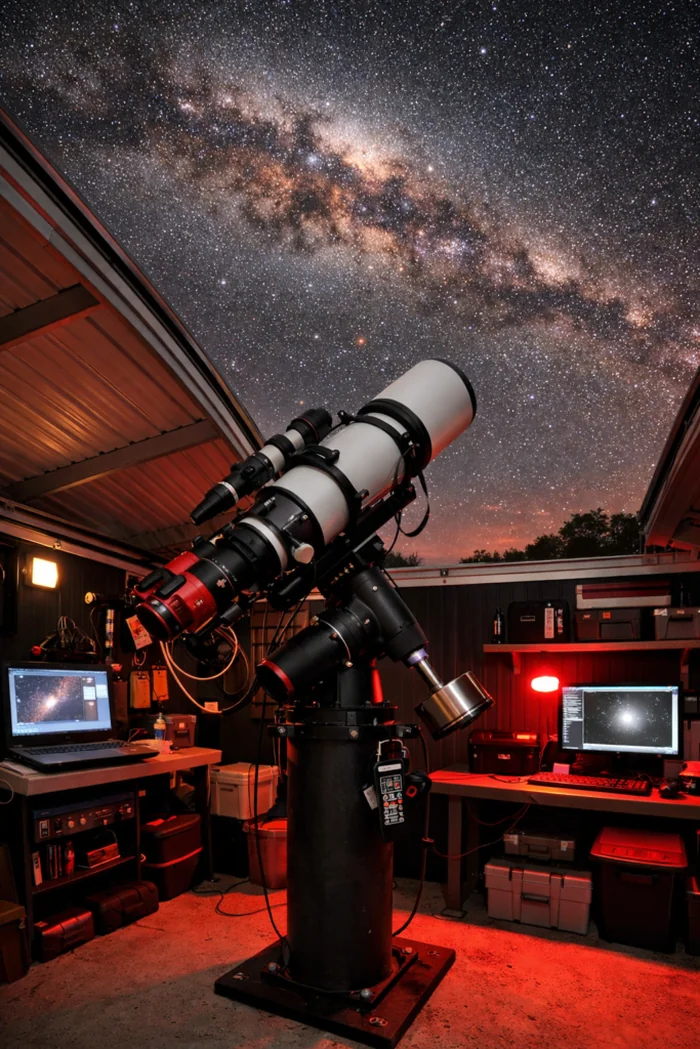
A real roll-off roof observatory, open at night under the Milky Way, with a refractor telescope and remote-control setup

Whether you are starting with weather monitoring or building a fully automated observatory, our systems work together to monitor conditions, control equipment and protect your observatory.

How it all fits together:

01
Weather MonitoringCloudWatcher
02
Observatory ControlDragonfly · Caterpillar
03
Alerts & MonitoringGNS—free
04
Emergency ProtectionLLLOD—free

Weather monitoring

CloudWatcher

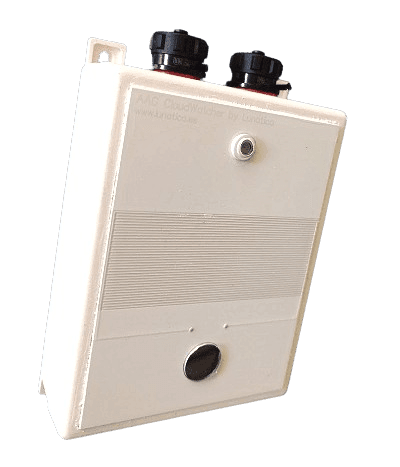
CloudWatcher continuously monitors weather conditions and helps protect your observatory from unsafe weather.

CloudWatcher monitors:

  • rain
  • clouds
  • sky brightness
  • temperature
  • pressure and humidity (optional)
  • wind (optional)

Common configurations:

Essentials
CloudWatcher—Main weather station
  • Standard or Hydreon rain sensor
  • Cable length: 3, 5, 7, 10m or customised
  • Optional Relative Humidity and Atmospheric Pressure
Highly recommended
Mounting Bracket—For safer and more reliable installations.
  • Wall version
  • Pole version
Anemometer—Measures wind conditions.
  • Standard
  • Heated (snow/frost/extreme weather)
Optional
Solo—Low-power standalone monitoring and web publishing
Other accessories—power supply, USB to serial converter, …
CloudWatcher weather station

Observatory control

Dragonfly · Caterpillar

Which controller do I need? The right controller depends on your observatory.

Dragonfly controls a roll-off roof together with other observatory equipment, sensors and safety signals.

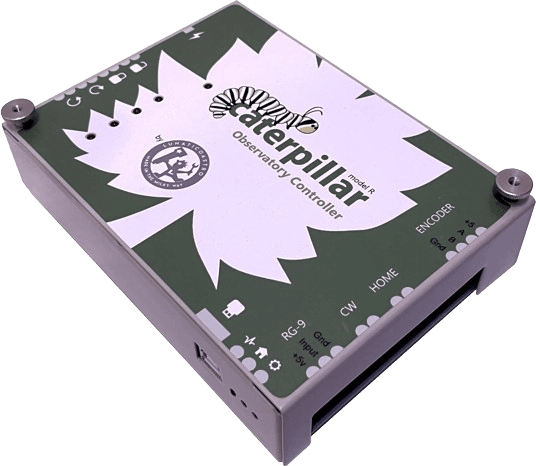
Caterpillar is designed for motor and position control: dome rotation and shutter, or roll-off roof motion, depending on the model.

They are not exclusive. Caterpillar can take care of the dome mechanics while Dragonfly handles the rest of the observatory.

Dragonfly

For general observatory automation.

Dragonfly connects weather monitoring, roof automation and observatory equipment into a single control system.

What can Dragonfly do:

  • Control roll-off motors
  • Monitor roof position
  • Monitor the CloudWatcher and other sensors
  • Control observatory equipment
  • Manage power and automation tasks

What do I need?

Required
Dragonfly controller—The heart of the automation system.
Dedicated power supply
  • Must be dedicated to Dragonfly and not shared with other devices
Depending on your observatory
Roof position sensor
Telescope position sensors
USB module
Dragonfly is designed to work with a wide variety of third-party roof motors and automation systems.
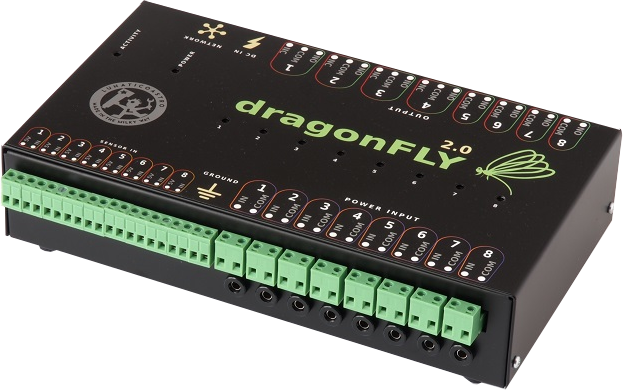
Dragonfly observatory controller

Dragonfly add-ons—what would you like to monitor?

Dragonfly can be extended with a range of sensors to suit your observatory setup.

Roof position

  • Proximity Sensor
  • Mechanical Limit Switch (standard or rugged)

Telescope position

  • Tilt Sensor

Mount parked status

  • Distance Sensor

Device control

  • USB Module

Caterpillar

For domes and motor control.

Caterpillar controls dome rotation and shutter, or roll-off roof motion, depending on the model. It works with motors, encoders, home sensors and limit switches, and can receive external weather and safety signals.

What can Caterpillar do:
  • Dome rotation and shutter control
  • Roll-off roof control
  • Encoder-based positioning
  • Home and limit switch monitoring
  • External safety and weather inputs
  • ASCOM and INDI integration
Caterpillar dome controller

Which Caterpillar do I need?

Dome Full Control

  • Dome rotation and shutter
  • One Caterpillar LOCo board per moving part, so a dome with a motorised shutter normally needs two

Caterpillar-R

  • Automates an existing button-operated dome system through relays

Caterpillar SSR

  • For stepper-motor roll-off roofs

Use the Caterpillar Setup Finder →

What drives the motors, and what reports the position

The Caterpillar LOCo board does not drive the motor itself: the driver goes with it, and which one depends on your motor. One board and one driver per moving part.
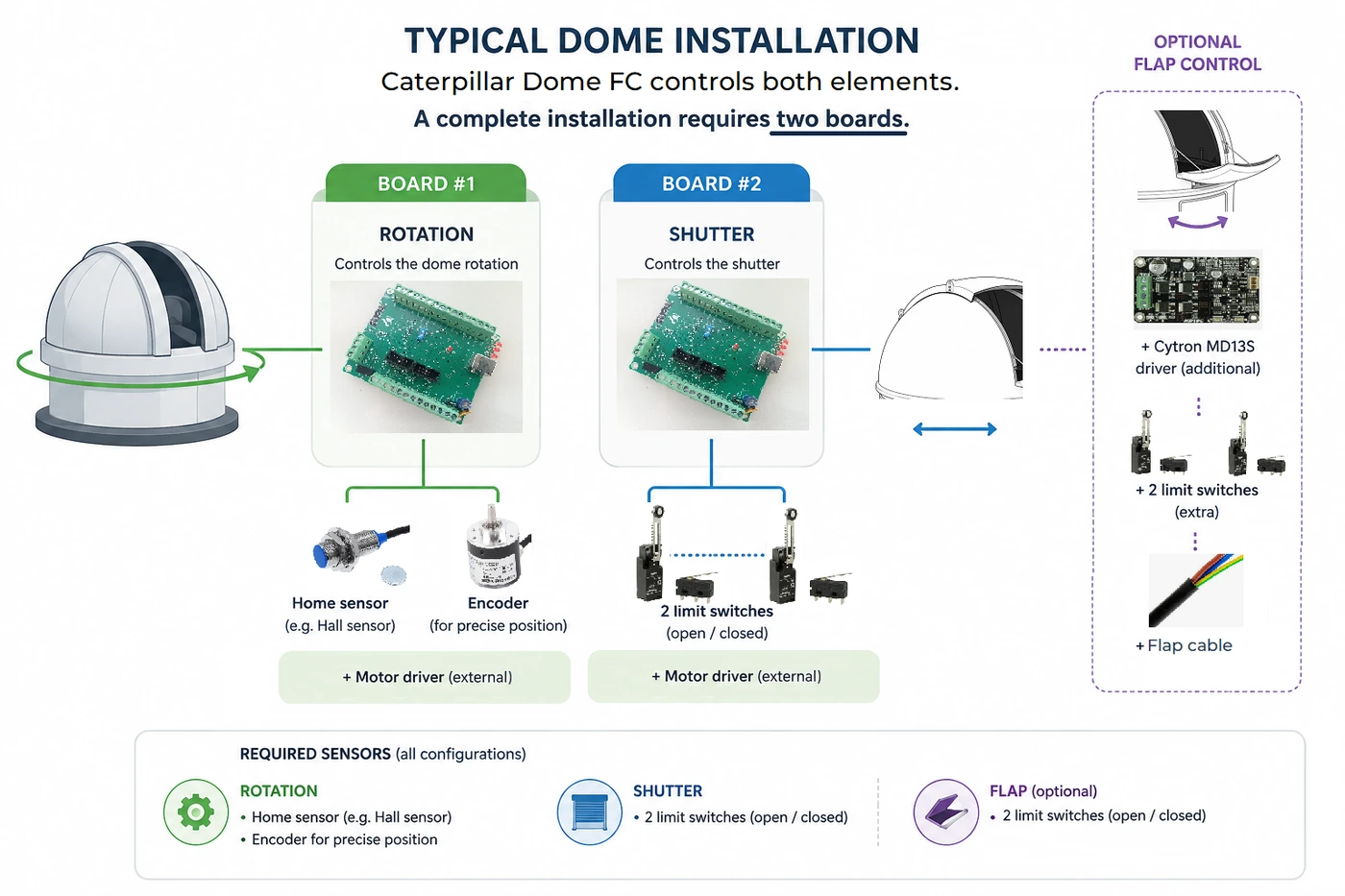
A typical dome installation: one Caterpillar LOCo board drives the dome rotation, with a home sensor and an encoder; a second board drives the shutter, with two limit switches for open and closed; and an optional flap module adds another Cytron MD13S driver, two more limit switches and its cable. Each board needs its own external motor driver.

Motor driver—pick one

  • Your own external driver—the LOCo board on its own, if the dome already has a compatible one
  • Lunaticoastro Relay Expansion Board—digital outputs, typically for VFDs and three-phase motors
  • Cytron MD13S—DC motors up to 13 A
  • DM860I—stepper motors, 2.4–7.2 A at 20–80 VDC

Dome rotation needs

  • A home sensor—Hall-effect proximity sensor. The controller re-syncs its position every time it crosses it
  • An encoder—600 P/R rotary encoder

The shutter needs

  • Two limit switches, open and closed—mechanical, or rugged (Omron)

Flap, if you have one

  • The shutter board can drive a second moving element. It needs one more Cytron MD13S, its flap cable, and two more limit switches, open and closed

Observatory monitoring & protection

GNS & LLLOD—Free software for remote observatory monitoring and protection.

Why use both?
GNS alerts you
LLLOD protects you

Together, they provide monitoring, notifications and emergency protection for unattended observatories.

GNS

Alerts and remote monitoring.

GNS monitors your observatory and notifies you when action may be needed.

  • Monitor observatory status
  • Receive notifications and alarms
  • Check conditions remotely
GNS observatory monitoring software

LLLOD

Automatic emergency protection.

LLLOD is designed for unattended observatories. If a critical problem occurs and nobody responds, LLLOD can take action to protect the observatory.

  • Monitor critical systems
  • Detect dangerous situations
  • Trigger emergency protection actions
LLLOD emergency protection software

Choose your starting point

I want a fully remote observatory

Start with weather monitoring and observatory control, then add:

Free downloads