The DragonFly app

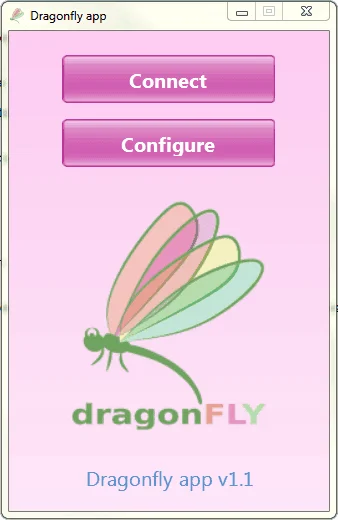
Dragonfly app v1.1 start window with Connect and Configure buttons
The Dragonfly app start window
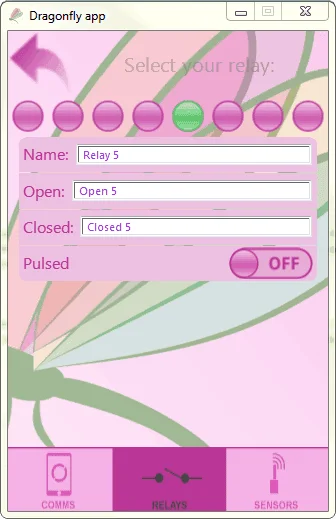
Dragonfly app «Select your relay» screen, naming relay 5 and setting its open, closed and pulsed options
Naming a relay and setting its open / closed / pulsed options

Relay panel and roof control

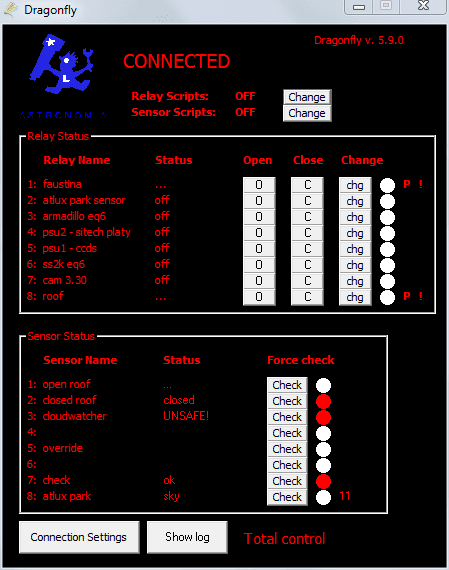
DragonFly Windows software main window, connected, showing the Relay Status and Sensor Status lists with the cloudwatcher sensor reading UNSAFE
The main window: relay status and sensor status
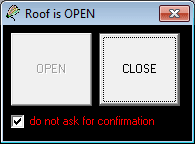
Small «Roof is OPEN» window with a greyed OPEN button, an active CLOSE button and a «do not ask for confirmation» checkbox
The roof window

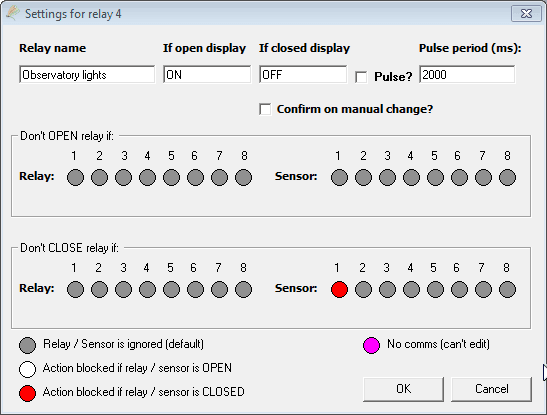
Per-relay settings and interlocks

«Settings for relay 4» dialog: relay name, open and closed display text, pulse period, and the «Don't OPEN relay if» and «Don't CLOSE relay if» relay and sensor interlock matrices
Settings for one relay, including the «Don't OPEN relay if» / «Don't CLOSE relay if» interlocks