
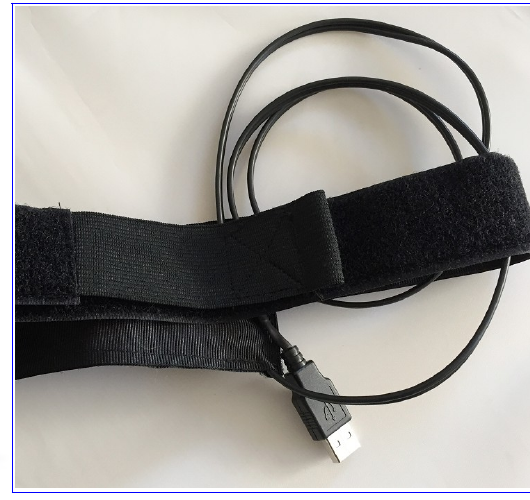
Please take note of the following guidelines to use the new heater bands.
You may want to connect the new bands to either batteries and power supplies (they are offered in the traditional 5V USB voltage, but also in 12V), and also to any computer.
As you won't have control over the current supplied to the bands (as you'd have using a ZeroDew controller), 12V is not recommended—it will generate too much heat.
In some cases, connecting the band to a computer USB port may be enough, but the current limits of computer USB ports have to be taken into account—it is 500mA for USB 2.0 ports (and sometimes that's not reached, especially in front ports for desktop computers), and 900mA for USB 3.x ports. Do not connect anything requiring more current to these ports.
To know how much current any given band will require, you just have to divide voltage by resistance (a table with resistance values for the bands is available on request).
For instance, an 8" heater band, at 5V, will draw some 625mA (5V/8Ohm = 0.625A = 625mA). Not good for a USB 2.0 port, but on a 3.0 it should work nicely.
Bear also in mind the heater bands are designed for 12V—meaning they'll heat the most at 12V. Using them at 5V is very similar to having them with a controller set at 40%, so 40% heating—something that in many cases may be perfectly appropriate, as heating at max power is usually too much.
Also note: metal OTAs are notoriously more difficult to heat, due to the metal's thermal conductivity; for these, especially at bigger sizes, USB may not be a good option.
In summary: if using the bands always at 40% of their max power seems good to you, then USB, at 5V, is a good option, especially for smallish bands that can be powered from a PC.
In case of doubt, do not hesitate to contact us at support@lunaticoastro.com.