Selecting the driver
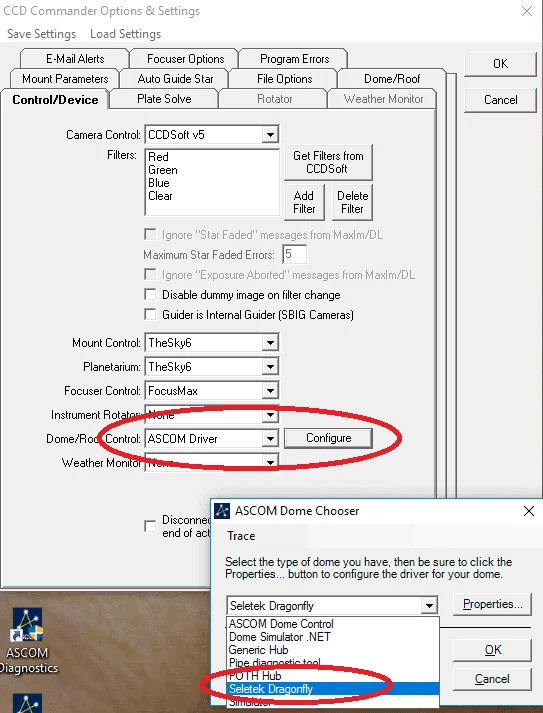
To configure the Dragonfly in CCDCommander, you have to set it up here—in Options & Settings, on the Control/Device tab, set Dome/Roof Control to ASCOM Driver and press Configure. In the ASCOM Dome Chooser that opens, pick Seletek Dragonfly.
Dome/Roof options
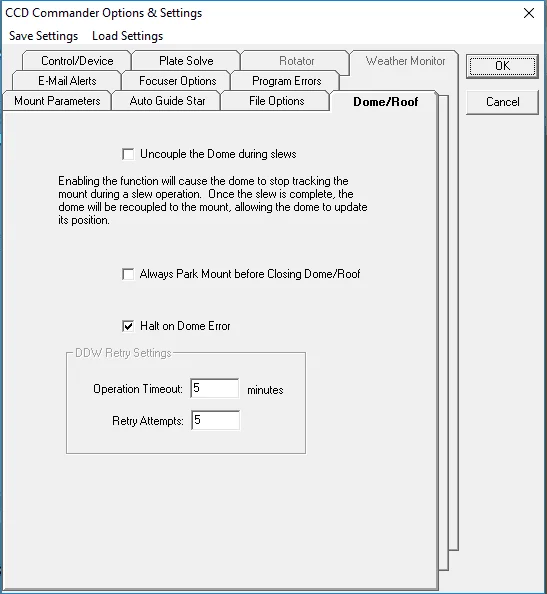
Then there are these options—parking the mount is usually convenient.
Roof access from the actions
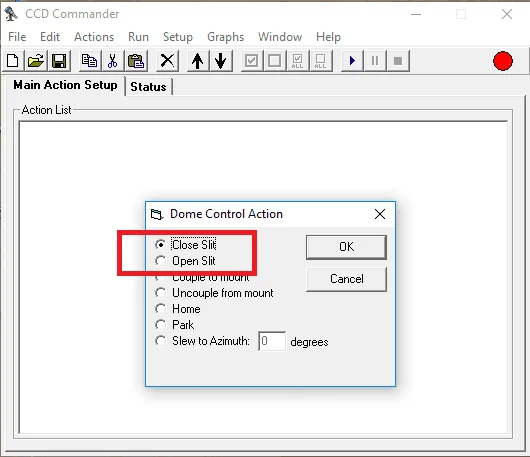
… and in the actions you can access the roof with this specific action—Dome Control Action, where Open Slit and Close Slit open and close the roof.