
The relays and sensors page is fairly straightforward—here you can access the relays (again, except for the roof control ones, which shouldn't be changed manually), and the readings of all the sensors.
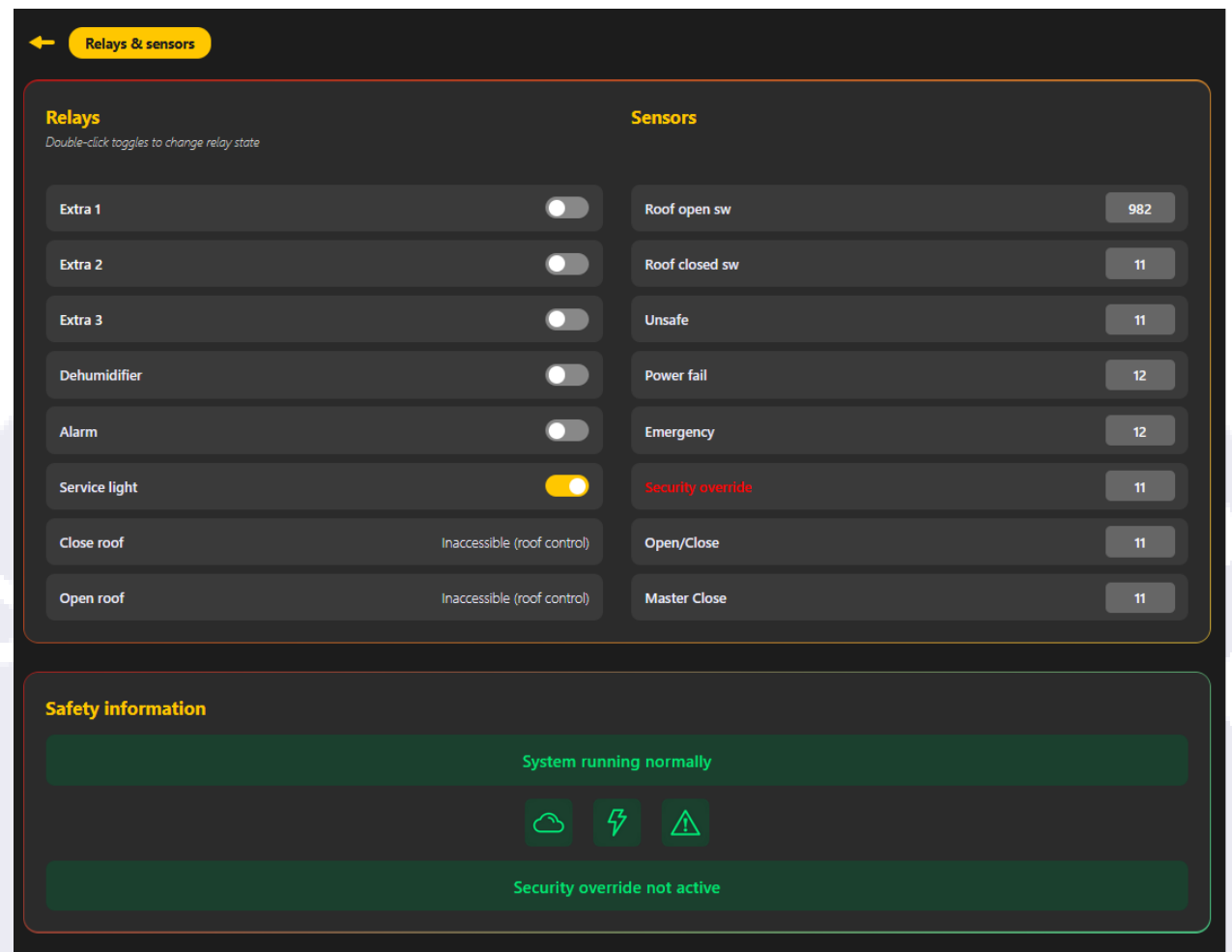
The safety information box is present in most pages, and here you can see that aside from the first banner ("System running normally"), which depends on the state of the device, the rest are associated with sensor readings. The cloud is the unsafe sensor, the lightning bolt is the power fail, and the emergency icon is, you guessed it, the emergency sensor. The other banner corresponds, of course, to the security override sensor (and virtual toggles).