
Native push notifications from the Dragonfly
For a long time we've been using and recommending PushBullet and PushOver as very convenient ways of receiving notifications from astronomy equipment. We added support for them in the SOLO, and then explained how to send the messages from scripts, so they could be issued from almost all of our products.
Just now, we've added native support in the Dragonfly—in such a way that, even with no PC connected to it, you can get important notifications to your smartphone or PC immediately. Even more, with PushOver, you can get high priority notifications.
Important: in order for this to work, you have to let us know, so we can register your PushOver or PushBullet token in the Dragonfly cloud server. You'll also need to enable ZeroConf (from the settings in your Dragonfly Configurator app) and give us the email address you use for that, as that'll be the one we set up the push notifications with.
Note! Due to an oversight, in the Dragonfly Configurator software, the option to send a push notification mentions PushBullet but not PushOver. This is inaccurate as what will be sent is whichever you have set up, not necessarily PushBullet. We will be correcting this but for now please keep that in mind.
Example use cases
You can, for example, send a message if the roof starts to open while the weather is deemed unsafe. Or if the roof closes while the mount is unparked. First two cases that come to mind…
Emergency priority messages
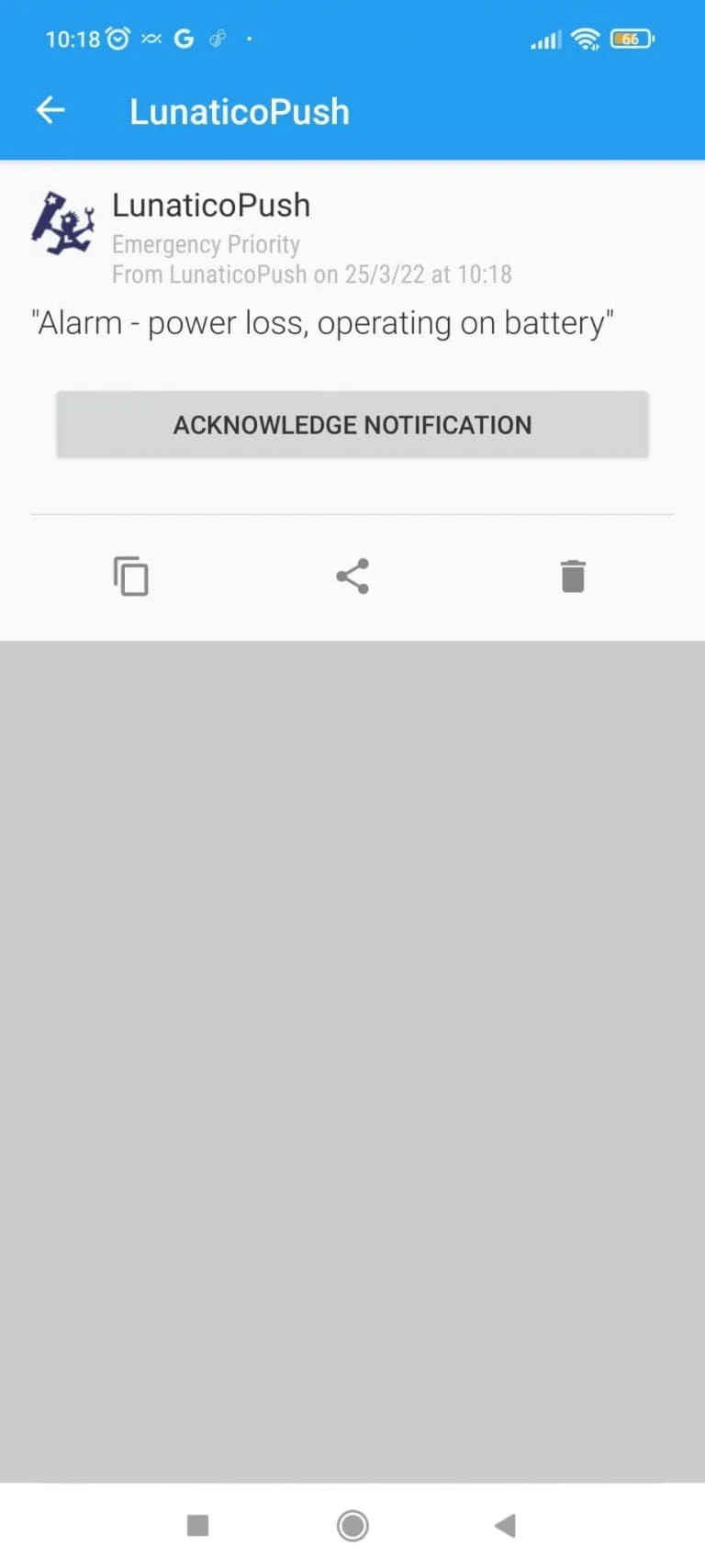
Any PushOver message sent by the Dragonfly, if it includes the word Alarm (capital A), will be sent to your smartphone as emergency priority. This means:
- The message will be repeated every 30 seconds, until acknowledged, for as long as 10 minutes.
- You can adjust PushOver settings to play a sound, and vibrate, even adjusting the volume to make sure you take notice.
… while not as safe as using the GNS, this is a very useful feature available to all Dragonfly users—no update needed, it's been done at the server side.
Remember: in order for these messages to work, you have to let us know, so we can register your PushOver token in the Dragonfly cloud server.
PushOver or PushBullet?
Both PushBullet and PushOver are great apps, but we prefer PushOver as it has the high priority feature which is very convenient. Both no doubt can contribute to being better informed about what's going on at the observatory.
To «activate» PushOver, just specify a key (token) starting with «po-» (3 letters and a hyphen). The software will still mention «PushBullet key», etc.—but just adding those 3 letters before the actual key/token will result in a PushOver message being sent, instead of a PushBullet one.
Advanced: sending pushes from a custom script
Need to send a push from your own script? See how to send a push message from a script for the code-based approach.